Skip to content

Case study · iOS

Tenny

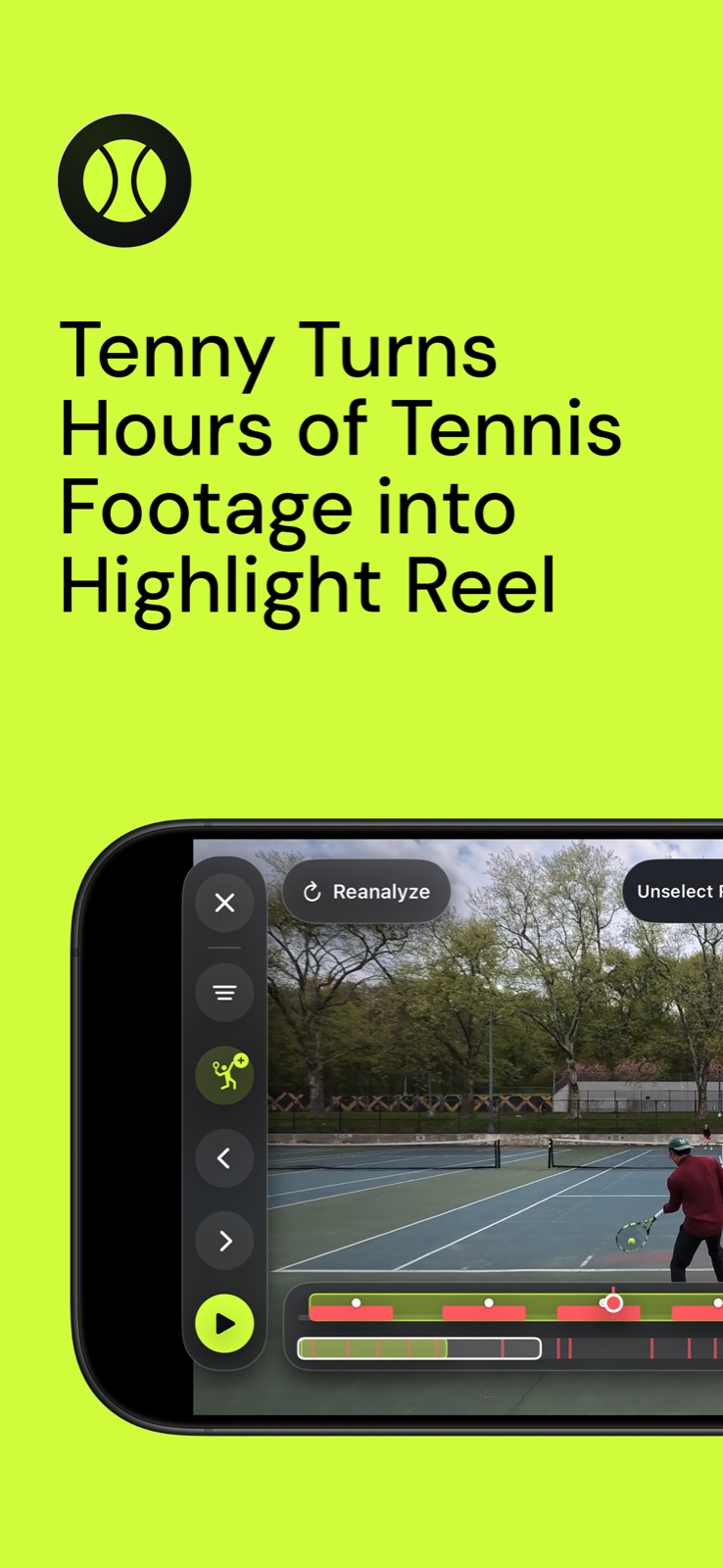
An AI tennis coach that turns a practice video into one clear thing to improve on the next ball.

My role

Sole product designer & engineer — owned strategy, UX, visual design, iOS development, and ML prototyping from concept to launch

Platform

iOS 18+ · SwiftUI · CoreML

Status

In development · App Store launch next

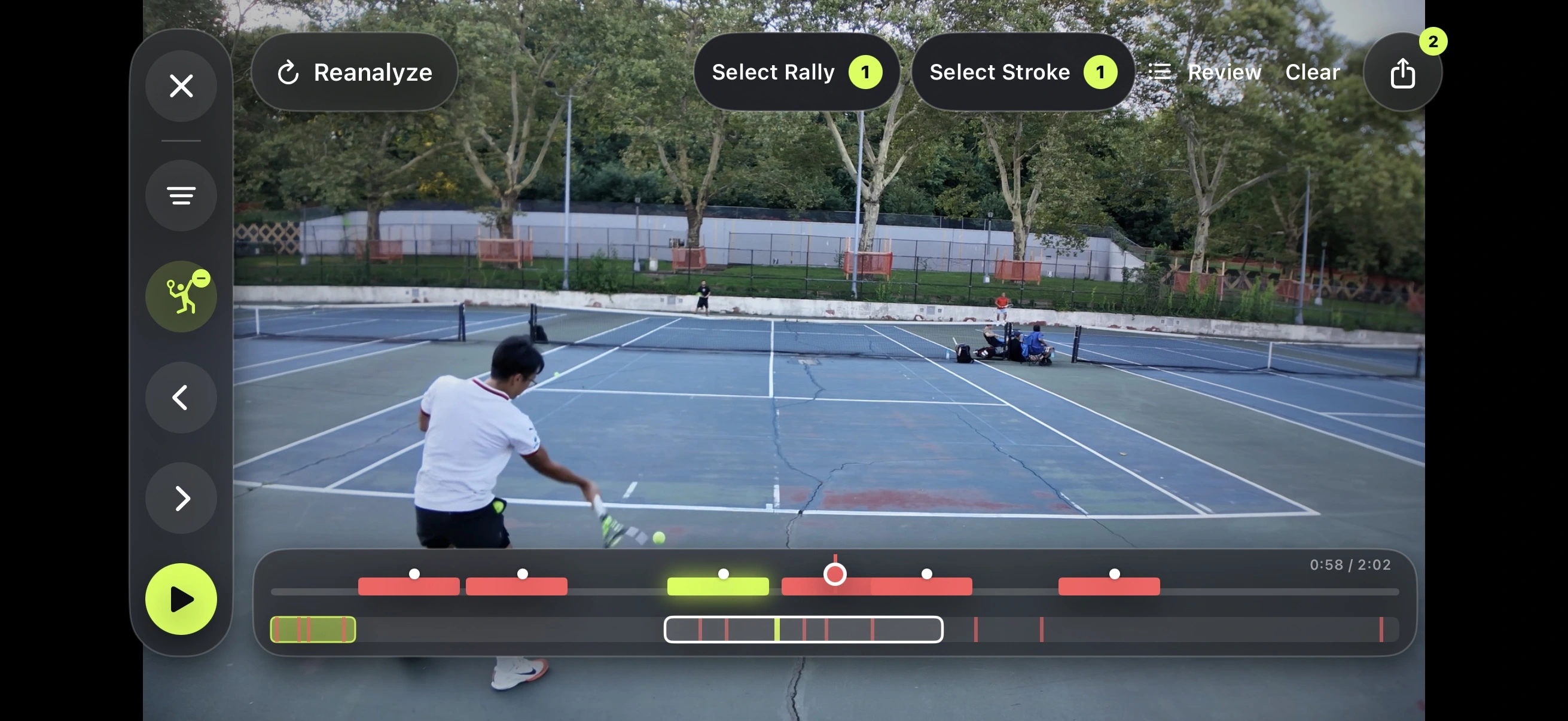
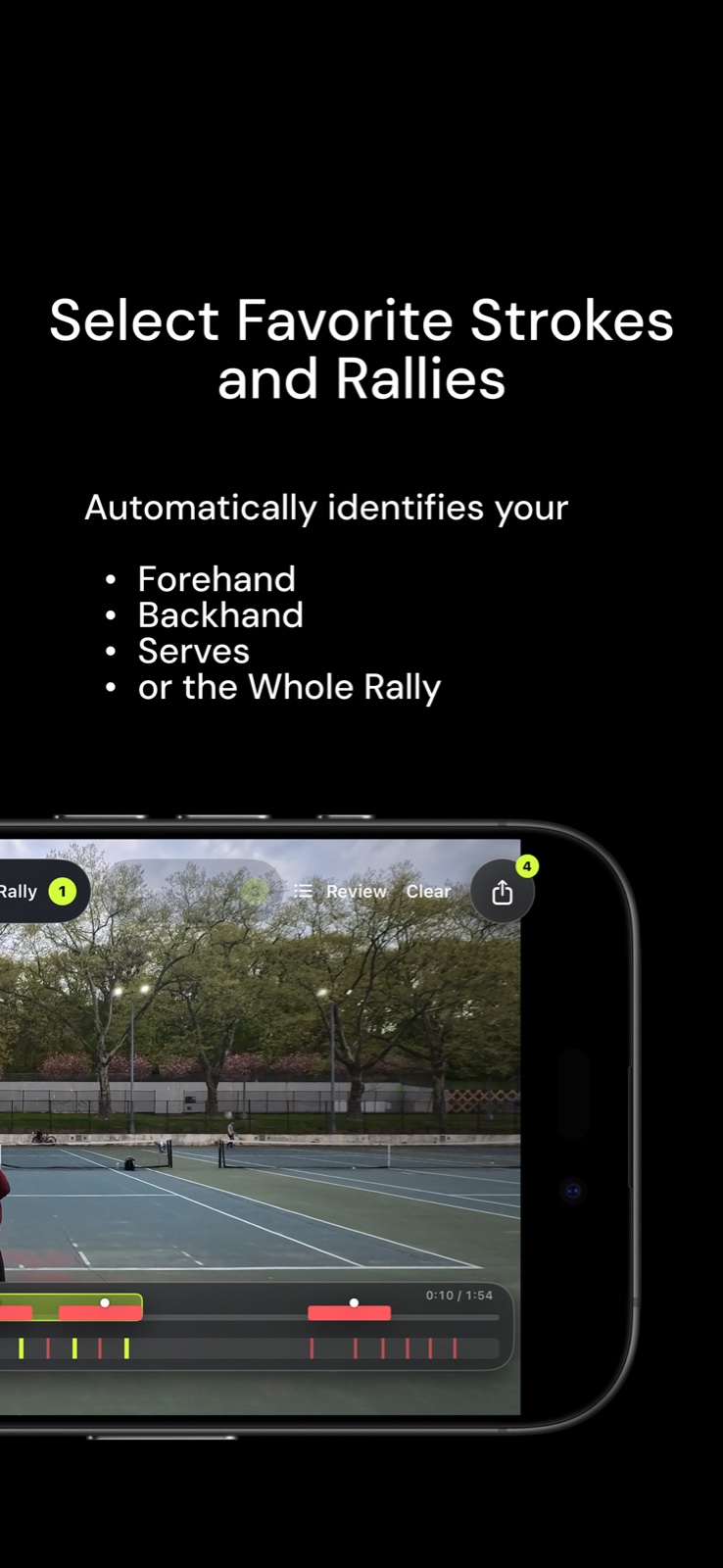
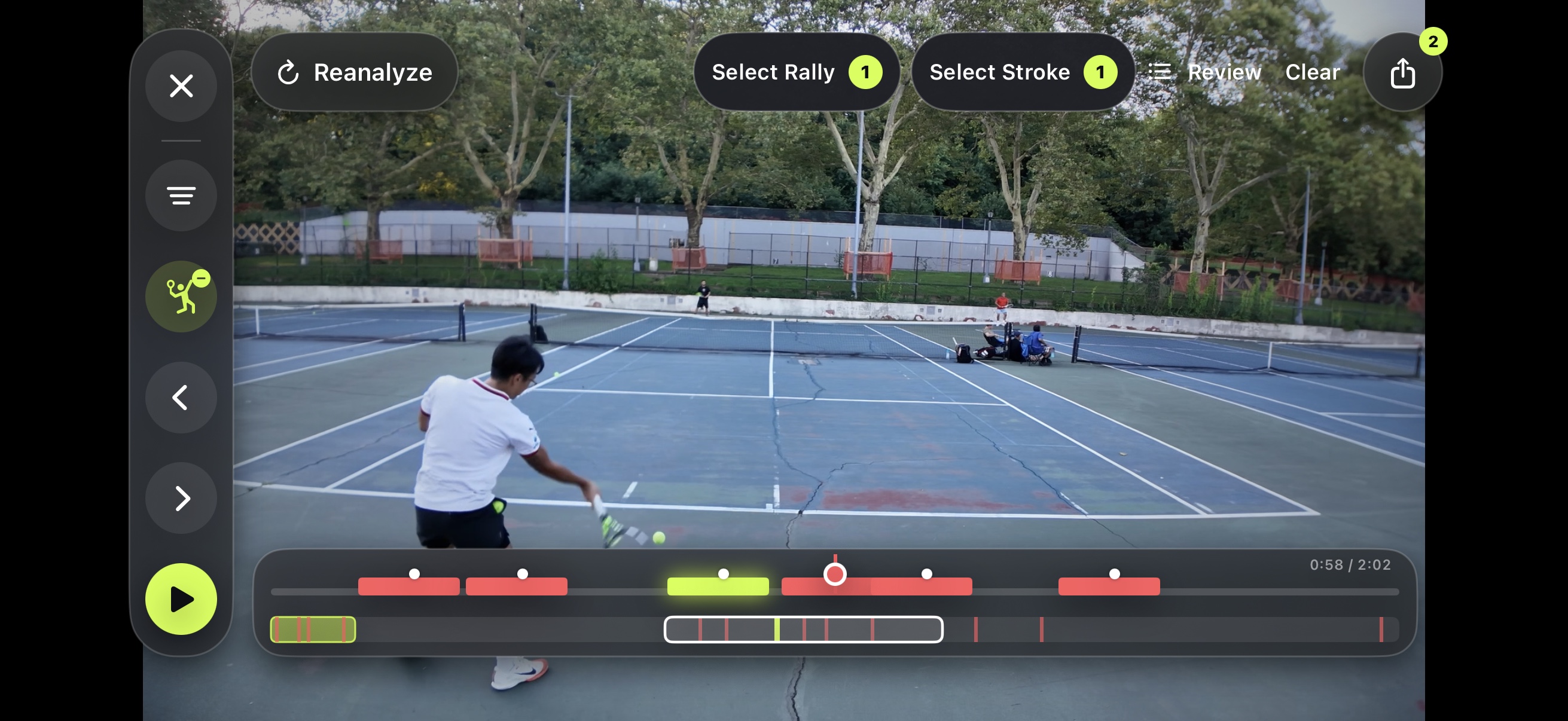
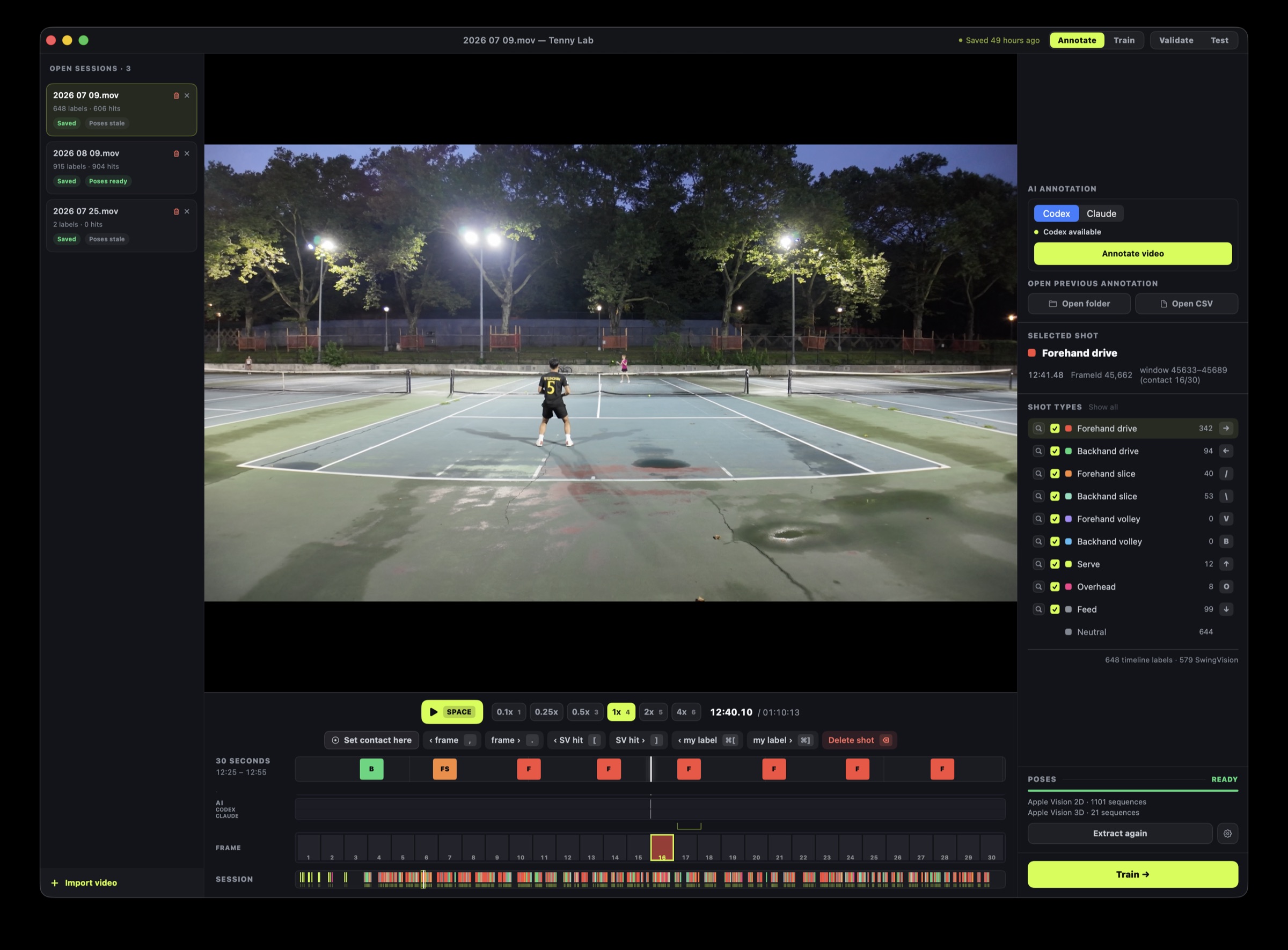
Tenny rally editor automatically identifying swings across a practice video

The problem

Practice video contains the answer. Finding it is the hard part.

Players already record themselves, but reviewing a long session means scrubbing through dead time, finding each contact point, comparing technique, and deciding what matters. Most people stop before they reach a useful insight.

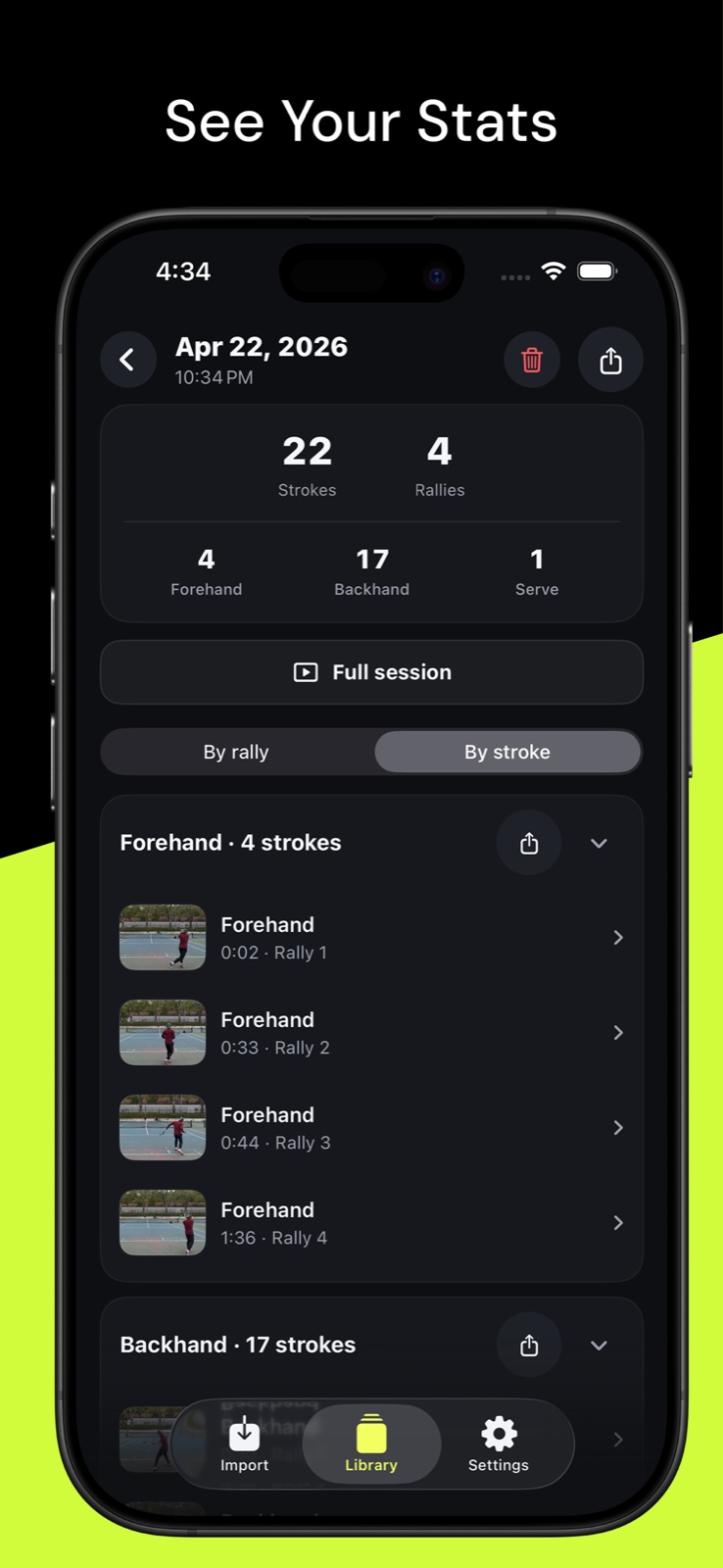
I designed Tenny around a tighter promise: point the phone at the court, play, and come back to an organized session where every forehand, backhand, and serve is ready to review.

Success criteria

Define what useful means before designing the interface.

I translated the product promise into three constraints that guided both the experience and the technical architecture.

Remove the review work

Find contact without scrubbing

Narrow each ball contact to roughly 100 ms so a long practice session becomes a sequence of ready-to-review moments.

Make feedback actionable

Prioritize one next move

Give players one clear coaching cue and a relevant drill instead of asking them to interpret a dense metrics dashboard.

Protect practice footage

Keep analysis on-device

Process full sessions locally and use the cloud only when a player explicitly chooses optional coaching.

The flow

Drop in a session. Review every rally. Export what matters.

The experience is organized around the job players already want done: remove the dead time, make every rally easy to inspect, and turn the useful moments into clips worth keeping.

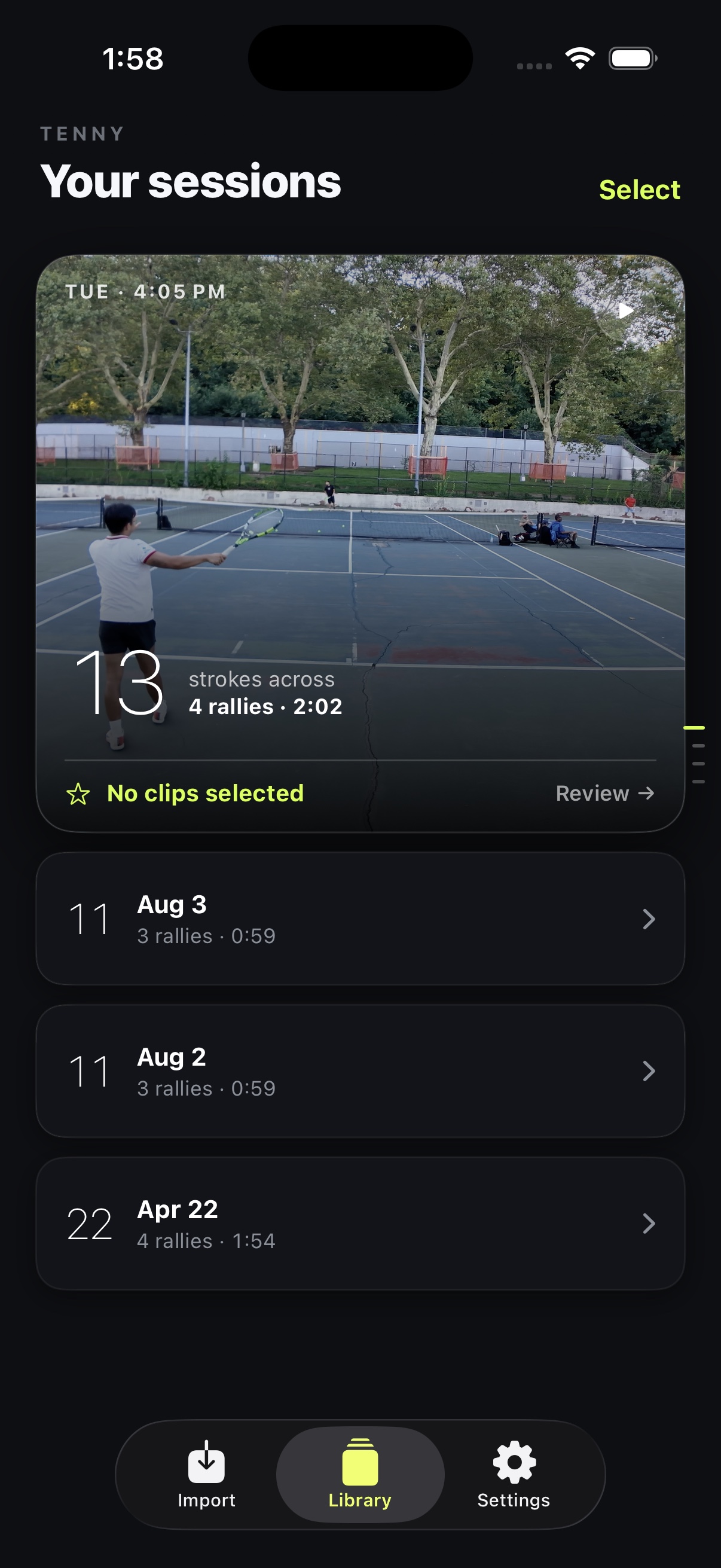
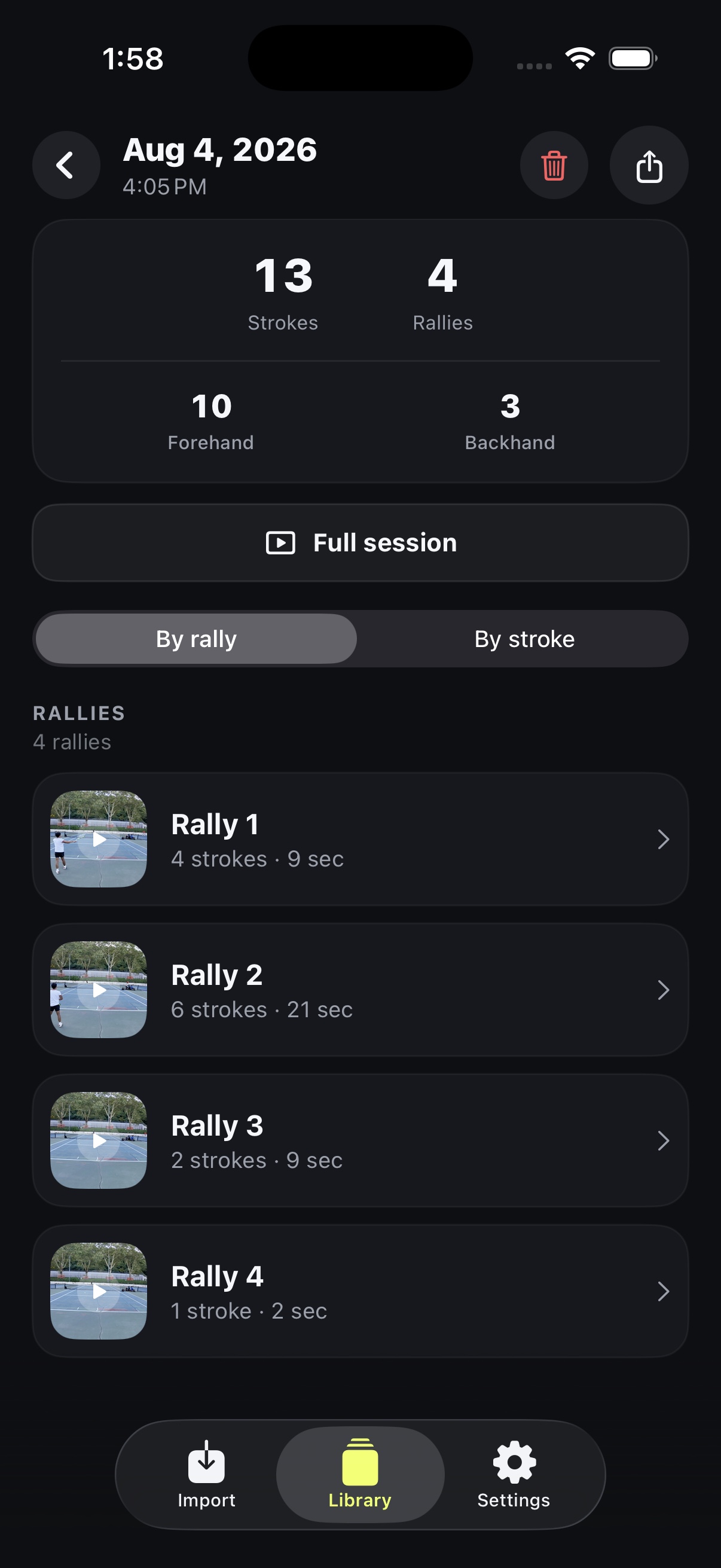
Tenny automatically analyzing and cutting every rally in a practice session
01 · Automatic rally detection
Tenny rally timeline with scrubbing and pinch-to-zoom controls
02 · Fast session review
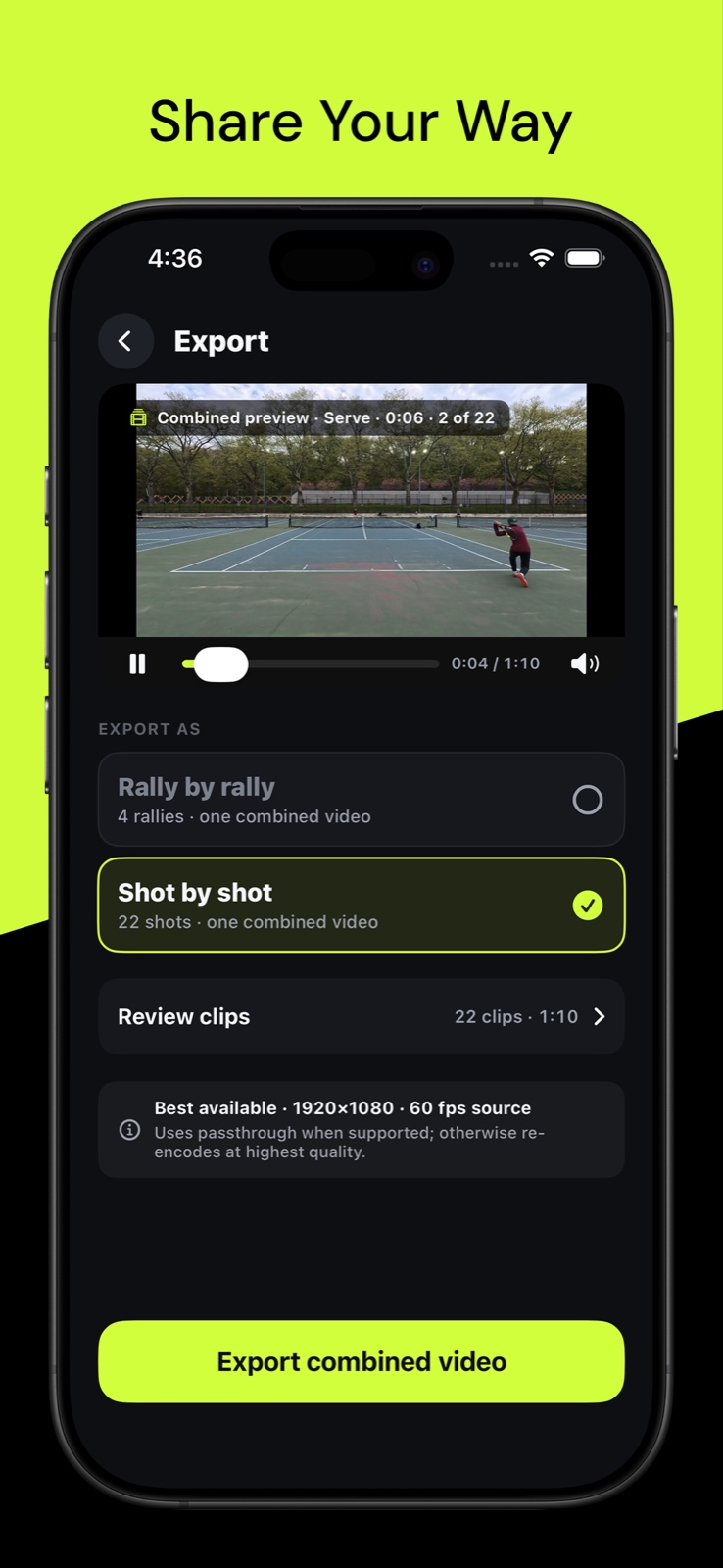
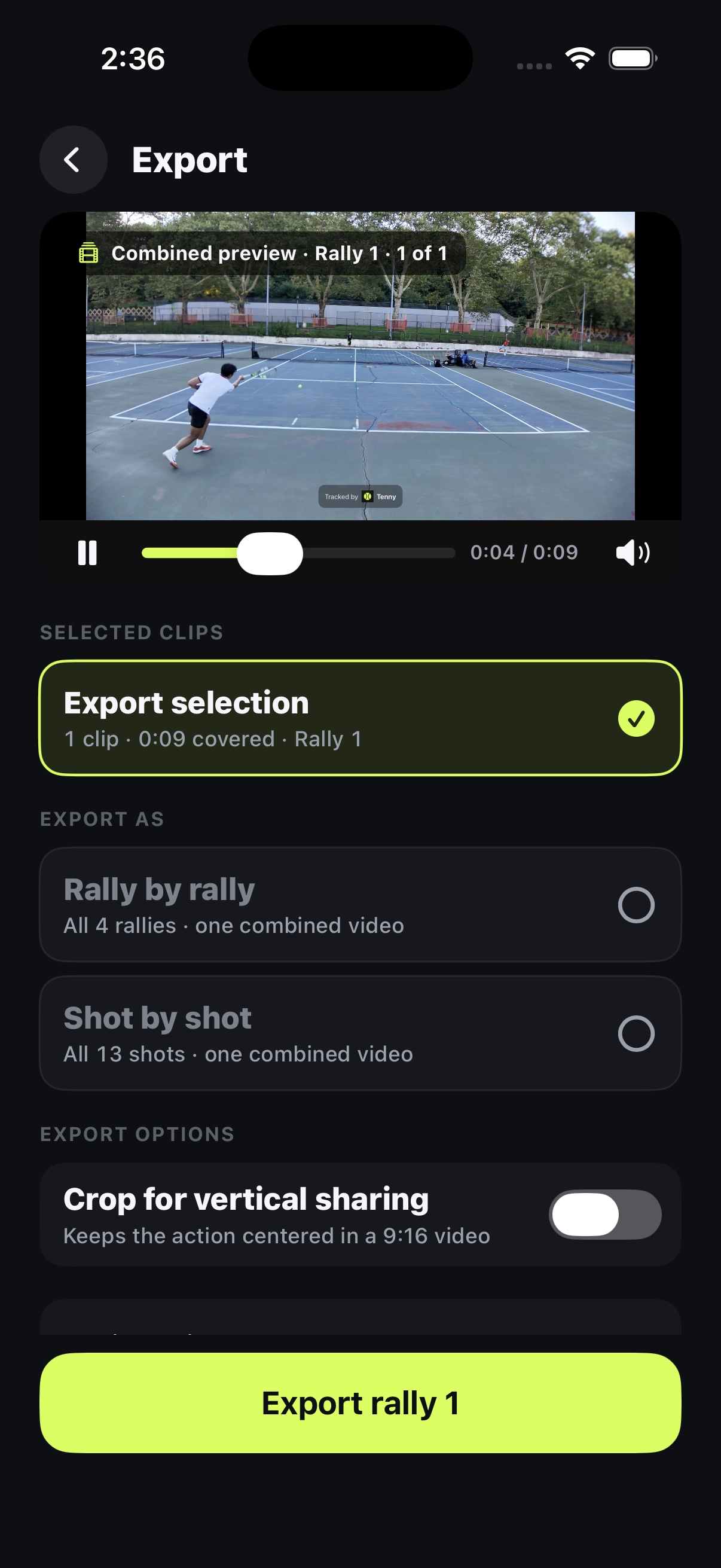
Tenny exporting a practice session rally by rally with analysis overlays
03 · Flexible clip export

01 · Detect

Find every swing automatically

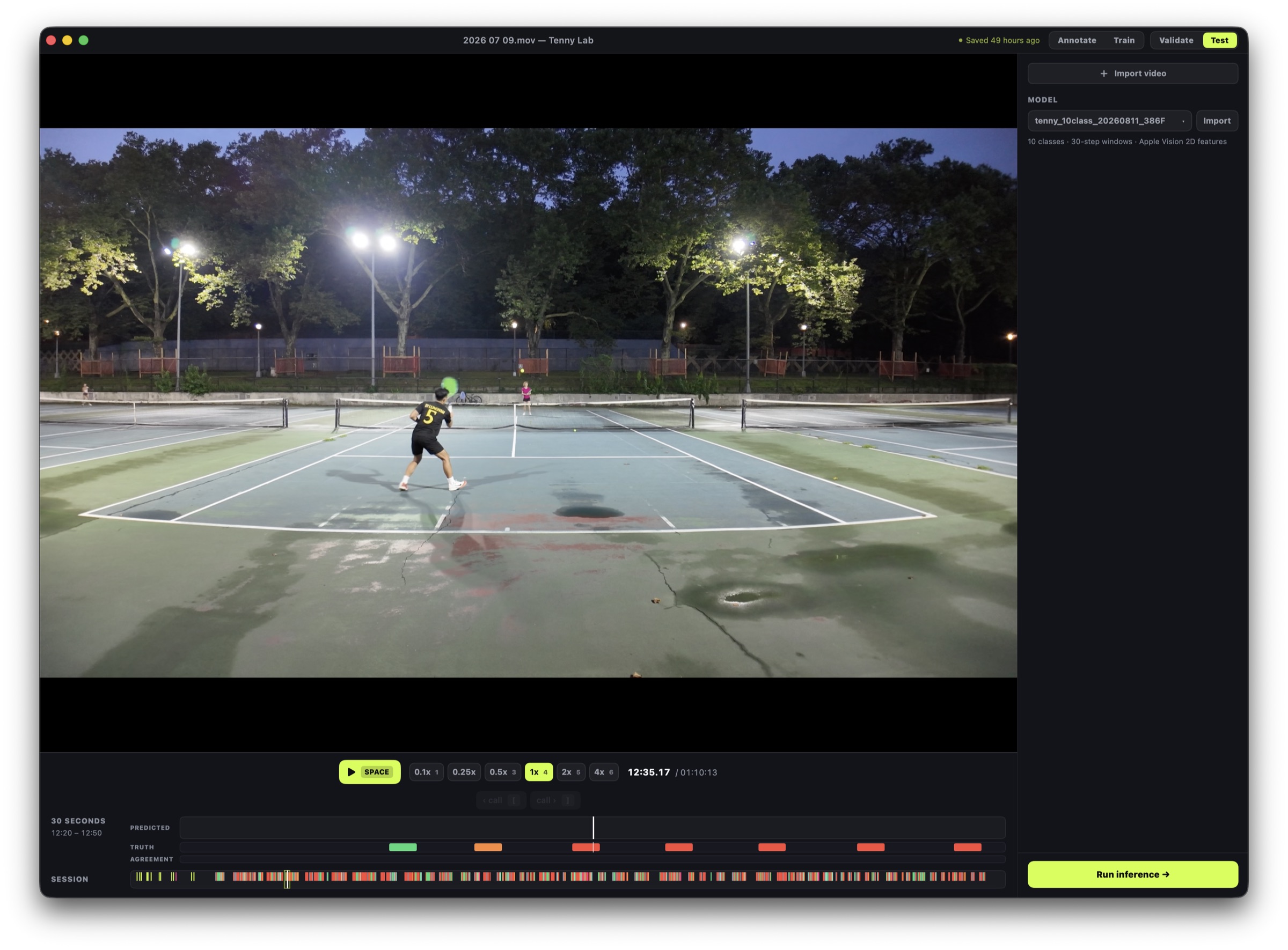
Wrist-speed pulses and ball-contact audio narrow each hit to roughly 100 ms before a learned temporal model refines the window.

02 · Understand

Track the racket and ball

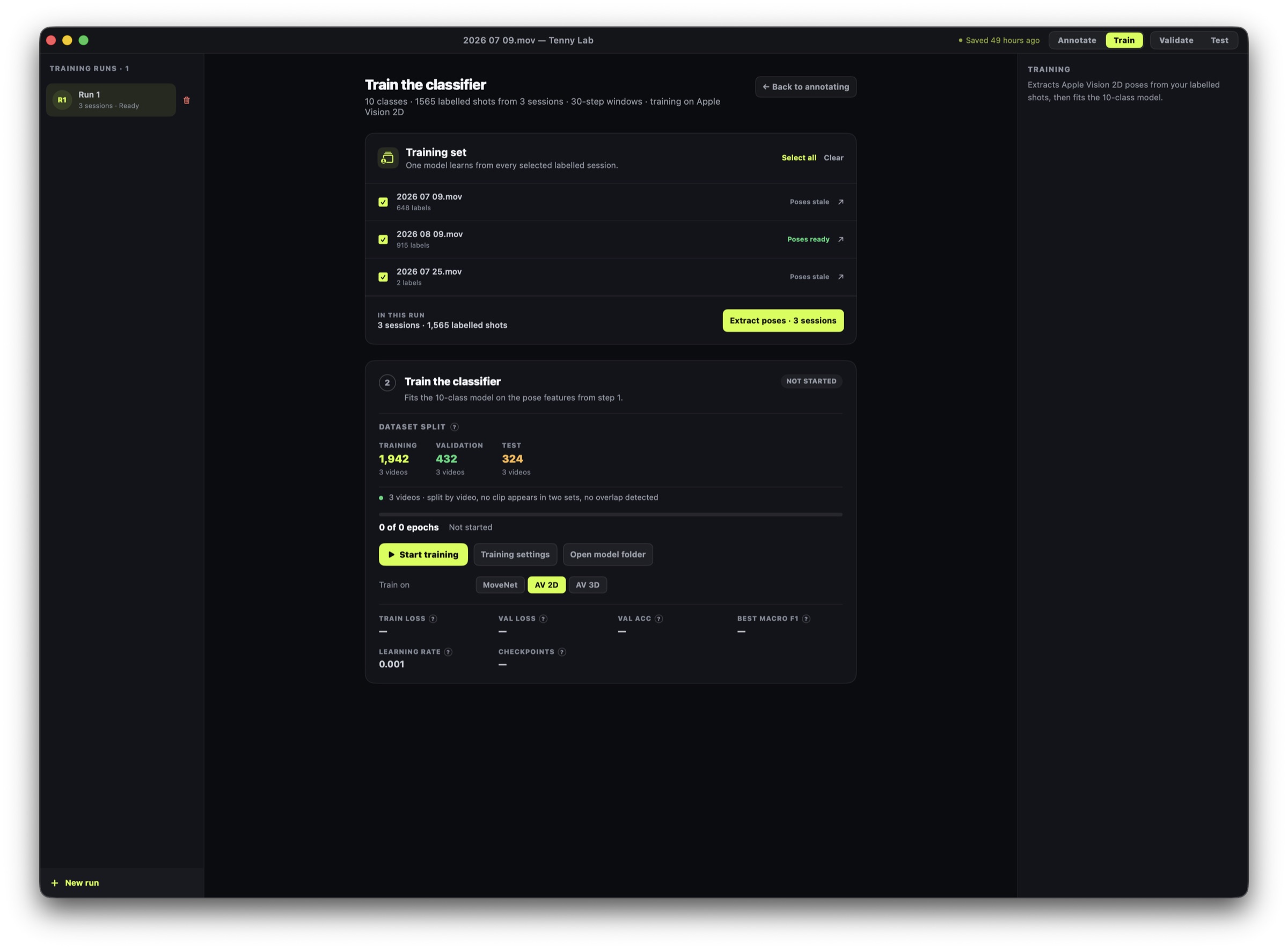
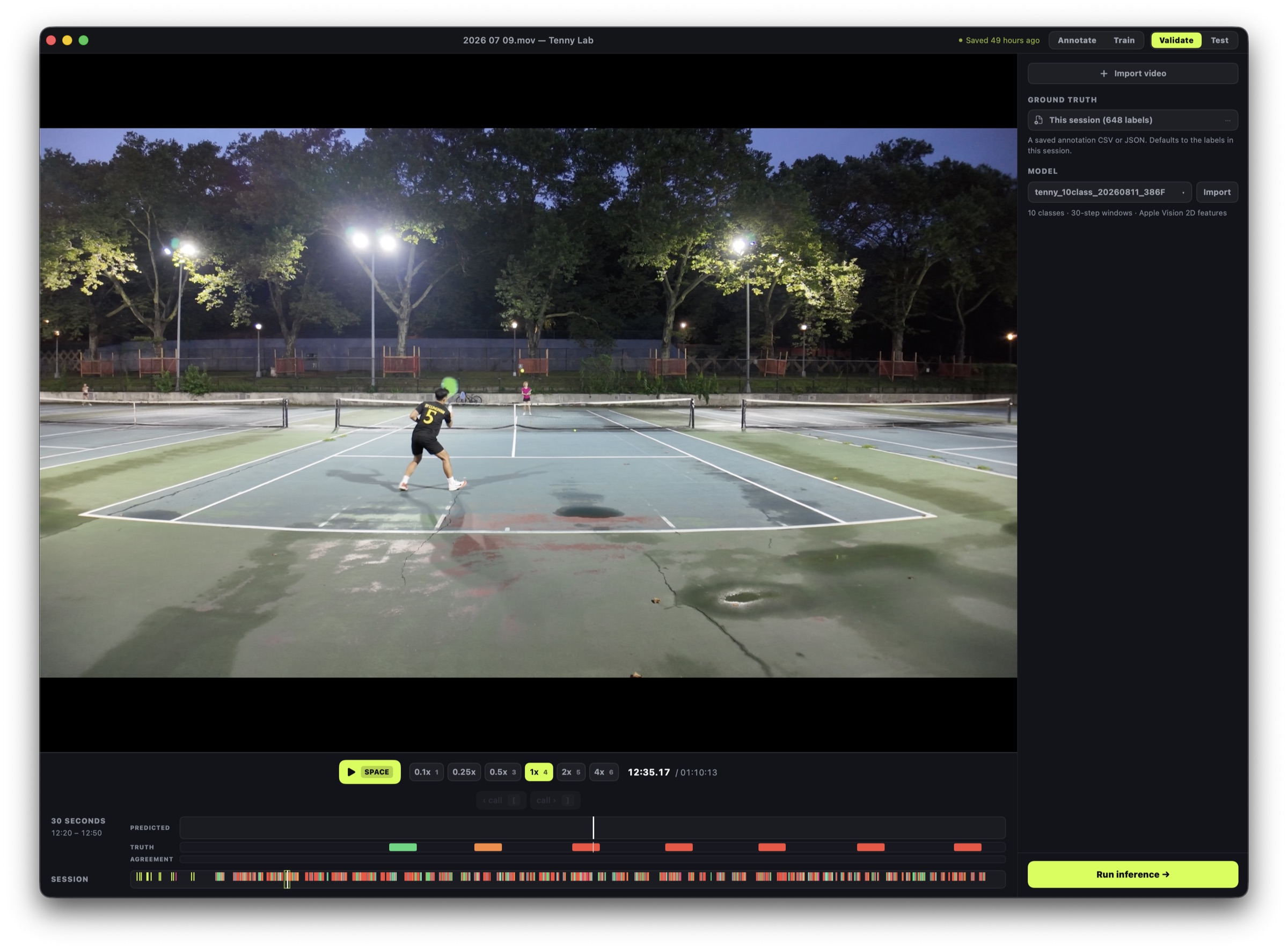
Custom CoreML models follow racket position, path, and ball movement frame by frame—on the device, without uploading a session.

03 · Coach

Give one useful next step

Instead of a dashboard full of metrics, each swing gets a grade, one specific fix, and a matching drill the player can try immediately.

Tenny swing grade and focused coaching feedback

The outcome

Feedback close enough to use on the next ball.

Tenny connects the original video, a simple grade, and one focused coaching cue in the same place. Players can hear the advice, open a relevant drill, or compare the swing with ideal form.

The goal is not to produce more data. It is to shorten the distance between seeing a problem and trying a better movement.

Product decisions

Complex technology, deliberately quiet interface.

The hard technical work stays behind the experience. A player sees a familiar video timeline, a clear contact marker, a speed-colored racket trail, and coaching written in ordinary language.

Analysis is on-device by default. Cloud coaching is optional and disclosed at the moment it is used. That privacy boundary became a product constraint, not a footnote.

Coming soon to the App Store

Support

Questions, feedback, or launch interest? Email workingzian@gmail.com.