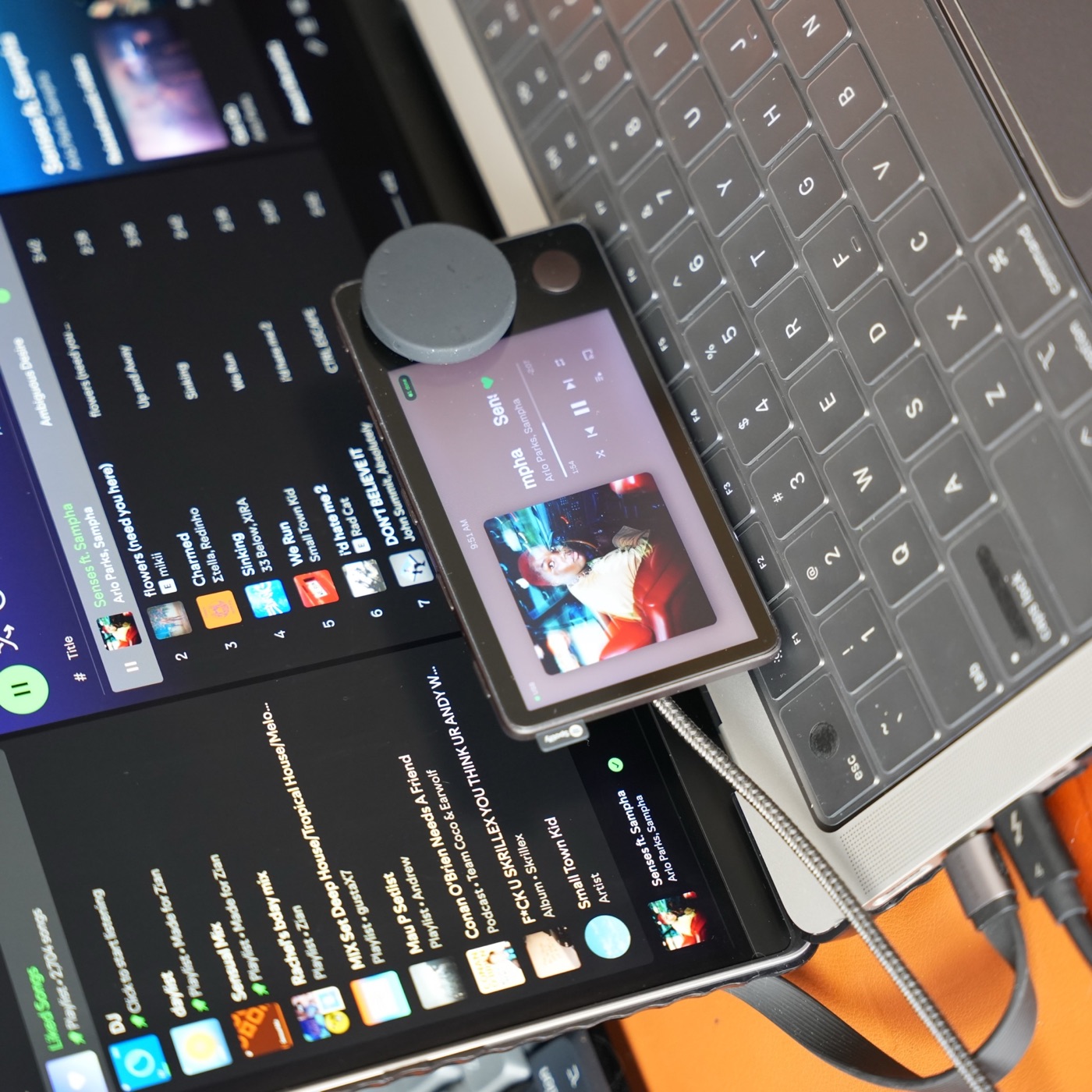
Before you start
You need a Spotify Car Thing, an Apple Silicon Mac running macOS 13 or newer, and a data-capable USB cable. Carthios uses the Mac as its companion; it does not restore the original Spotify service or turn Car Thing into an independent music player.
Using a Windows PC? Windows support is coming on the v3 roadmap, but there is no Windows download or release date yet. Join the waitlist; the instructions below remain specific to the current Mac app.
If the device does not start normally or you do not know which firmware it runs, begin with the hardware and connection checklist.
1. Install and launch the Mac app
Get the signed and notarized installer from the Carthios download page. Open the DMG, drag Carthios into Applications, eject the DMG, and launch the installed copy from Applications.
Use the current quick-start documentation if the release’s setup screens differ from this overview.
2. Connect Car Thing over USB
Initial setup requires USB data. A charge-only cable can power the device while leaving it undetected. If setup does not find Car Thing, try a known data cable and a direct Mac port before changing other settings.
Complete the first-run walkthrough so Carthios can install the matching dashboard. Keep the cable connected throughout the installation.
3. Start with music and Clock
Open the Spotify Mac app or Apple Music and check playback on the Mac first. Choose the music source in Carthios, then open Now Playing on the device with Preset 1. Press Home to return to Clock.
If the dashboard connects but music is empty, check the selected player and its authorization. Basic desktop controls and optional advanced Spotify account features have different requirements; see the feature reference.
4. Enable optional integrations individually
- Agenda: Calendar and Reminders require separate permissions. You can use either source independently.
- Weather and Transit: check location access and the supported local data source.
- Dictation: follow the microphone and Accessibility setup in the walkthrough. Car Thing microphone dictation requires USB.
Only enable the features you intend to use. The permissions reference explains what each integration needs.
5. Choose the everyday connection
USB is the starting point and remains required for updates, screenshots, recovery, and microphone dictation. Bluetooth Beta can support other daily dashboard features after setup, but the Mac still provides the integrations. Consult the USB and Bluetooth table before unplugging the data cable.
Once the basics work, try the five Carthios desk workflows. For a blank screen, missing data, or an unresponsive control, use the troubleshooting guide and record the exact symptom before changing the setup.