First, define “bricked”
If the device shows a recovery screen, is stuck during boot, or is not detected over USB, start with the cable, port, power, and recovery instructions for the project you are using. A charging-only cable can look like a dead device. Do not erase or flash anything until you know which hardware revision and recovery path you have.
Firmware revival versus a safer reuse
Projects such as Mira, Nocturne, and community unbrick tools take a firmware-first approach. They can be rewarding if you are comfortable with USB tooling, recovery mode, and unsupported software. They can also leave you with a device that needs troubleshooting every time a dependency changes.
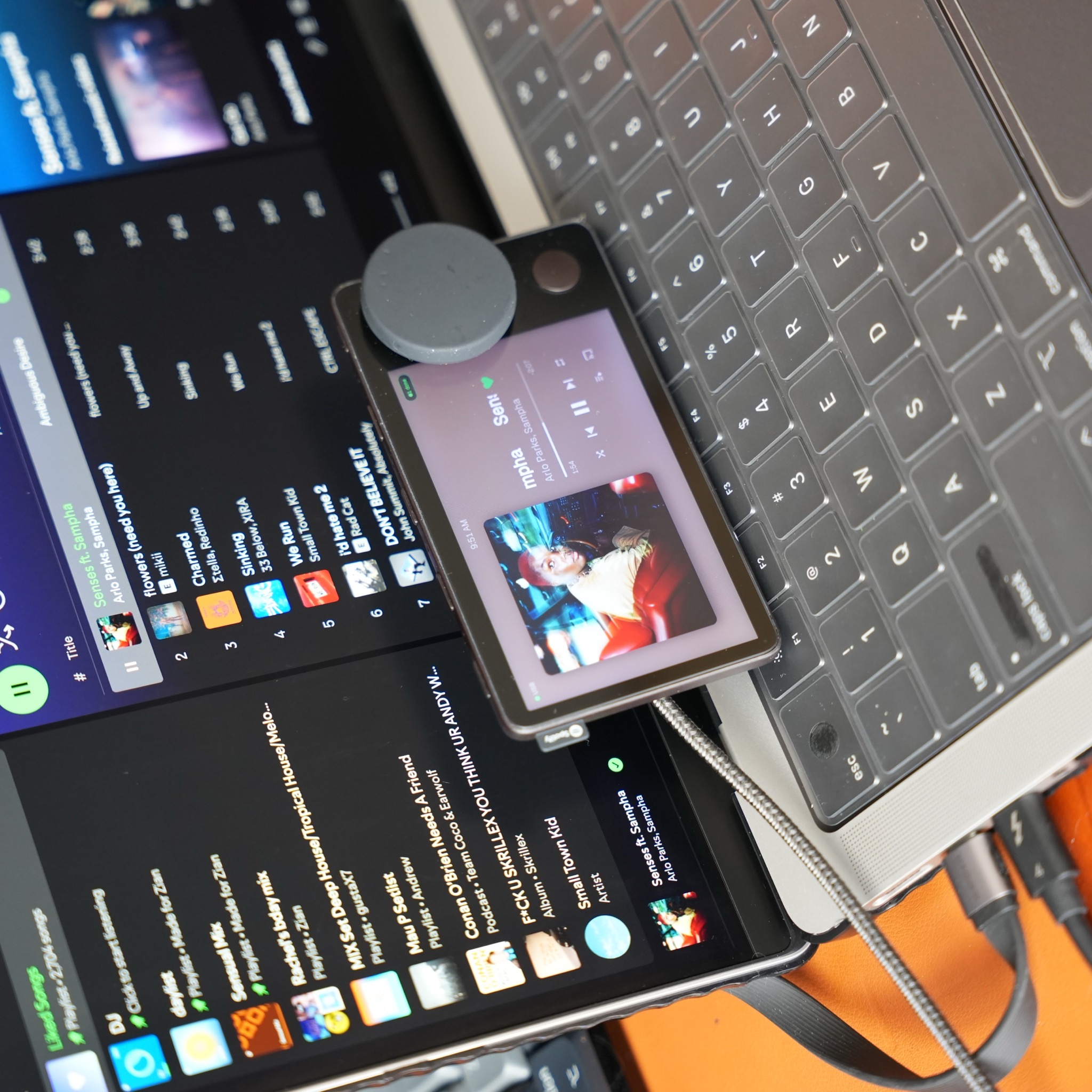
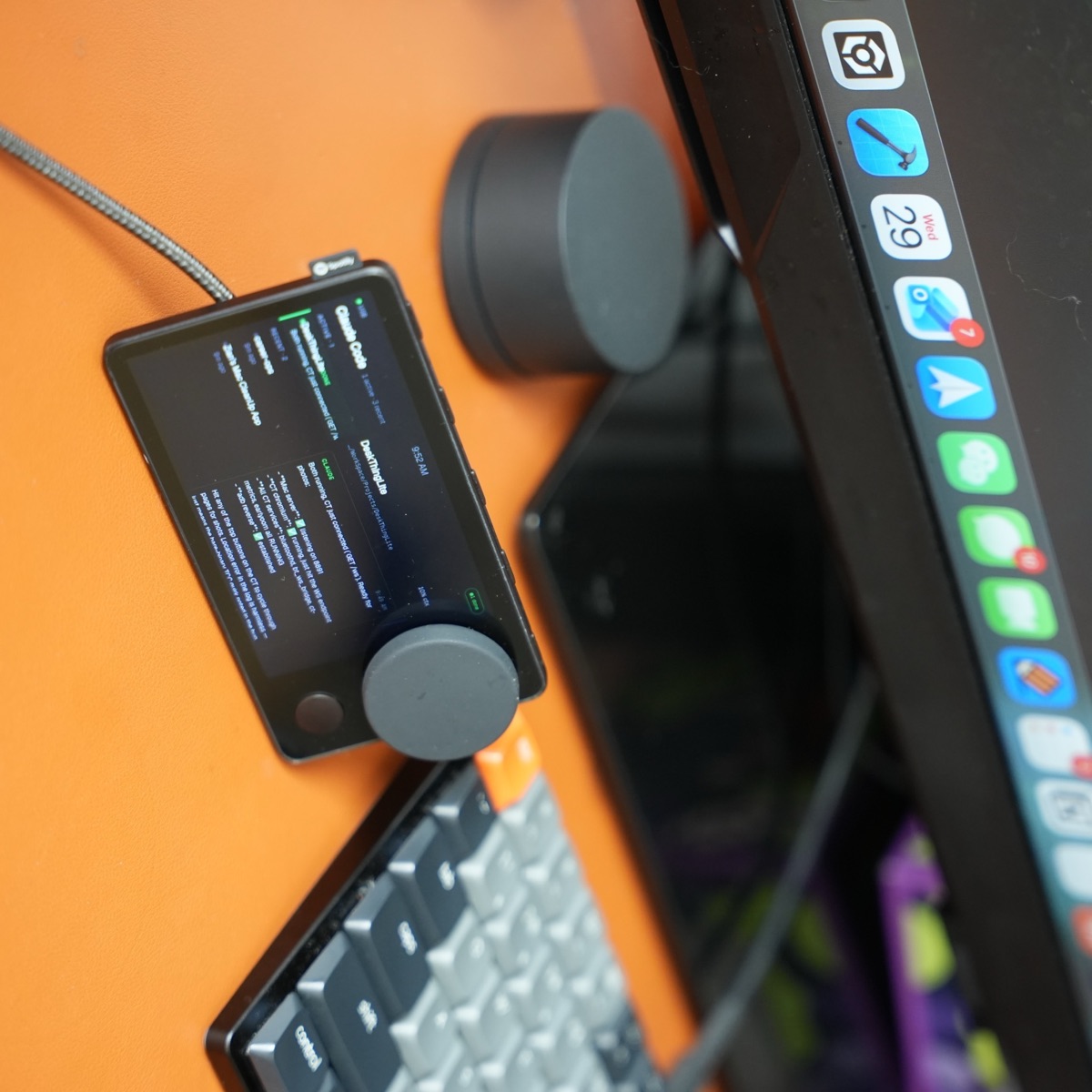
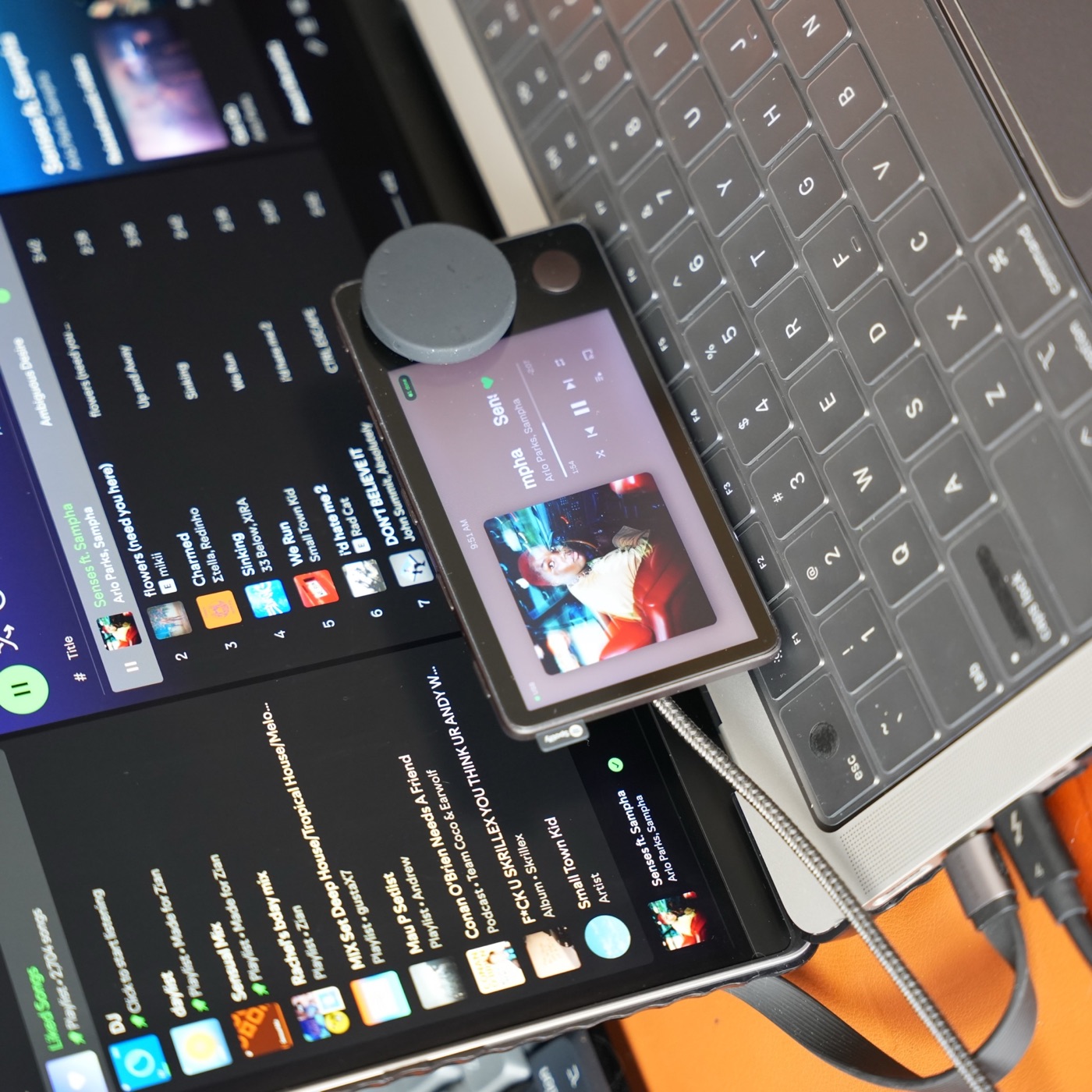
Carthios takes a different route: it leaves the Car Thing as a tactile client and lets your Mac do the heavy lifting. Connect with a data-capable USB cable, launch Carthios, and use the screen and controls as a dashboard. Nothing here promises to restore Spotify’s old service; it gives the hardware a useful new purpose.
Carthios Windows support is coming on the v3 roadmap; the current app still requires a Mac. If you want to flash community firmware from a Windows PC now, the iFixit-based jailbreak walkthrough explains that separate path.
A cautious recovery checklist
- Back up any files or notes from your current project.
- Confirm the USB cable carries data and try a direct Mac port.
- Read the exact recovery instructions for the firmware project—do not mix commands between tools.
- If your goal is simply a working desk controller, stop at the software layer and try Carthios instead.
Flashing is optional. A second life does not have to mean a permanent firmware change.