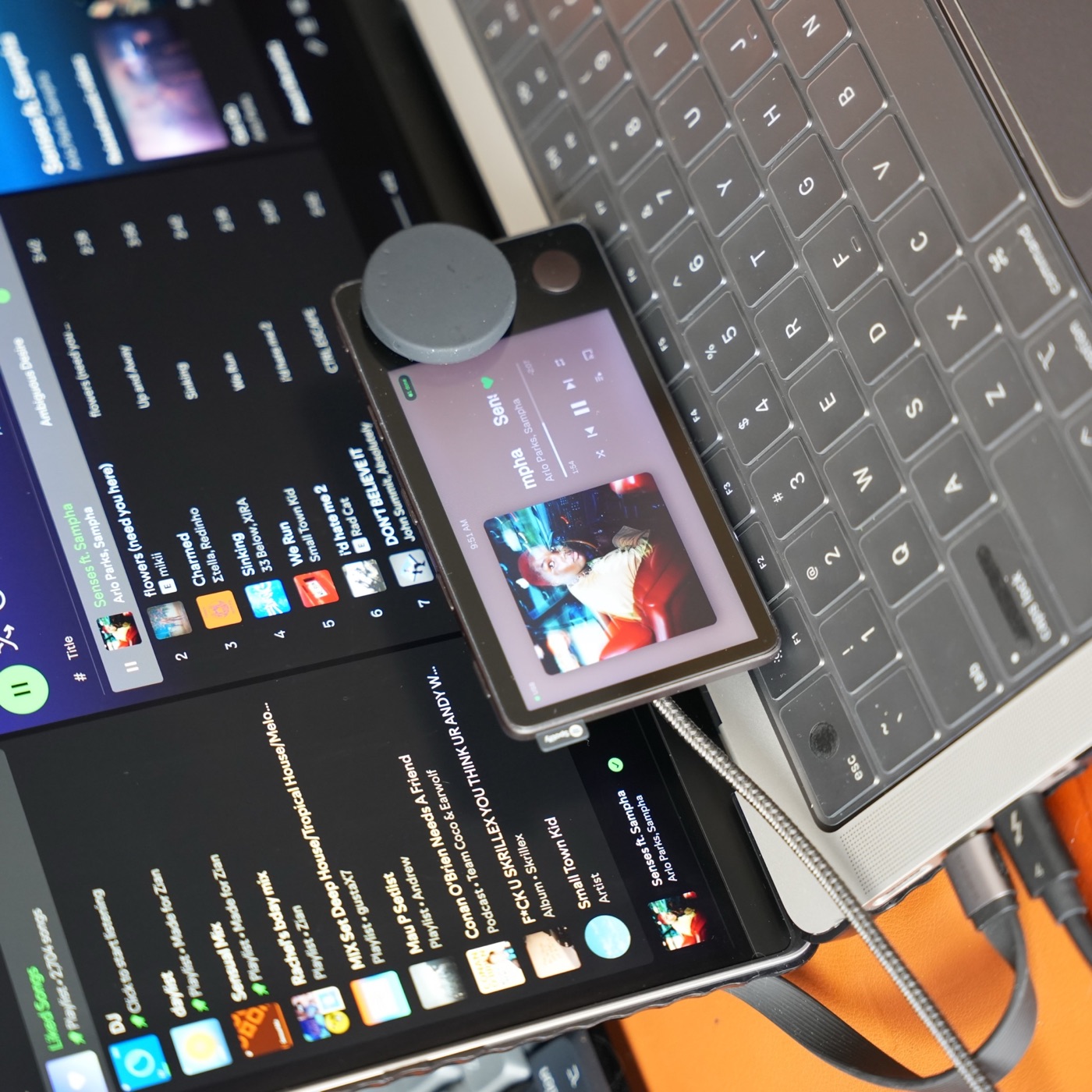
Spotify’s original Car Thing service has ended. A USB adapter, a different music subscription, or a factory reset cannot restore that service. Reuse means running a different experience on the hardware. For background, see what happened to Car Thing.
Use it beside a compatible Mac
Carthios is the route I build: a companion app for Apple Silicon Macs running macOS 13 or newer, paired with a dashboard on Car Thing. It suits someone who already works at a Mac and wants physical music controls, a clock, a timer, or glanceable information.
The tradeoff is dependence on the Mac. Initial setup and dashboard updates need a USB data connection. Bluetooth is a beta option for supported everyday features after setup; it does not make Carthios a standalone player. Start with the hardware checklist and installation instructions.
Windows users will have a Carthios path too: Windows support is coming on the v3 roadmap. Join the waitlist for beta news. There is no Windows download or release date yet, so the Mac requirements above still apply to the current release.
Explore a community firmware project
This path suits owners who want to experiment with replacement device software and are comfortable following a project’s flashing and recovery instructions. Assess the specific project’s supported hardware, host requirements, current releases, and recovery procedure before changing anything.
Do not assume every firmware project works independently of another computer, supports your streaming service, or has the same recovery process. The firmware comparison explains the architectural tradeoffs, while the jailbreak guide links to community resources. These are unofficial projects, not a restoration of Spotify’s service.
Pass it on if you do not want another project
A friend, maker, or developer may have a use for the screen and controls. Describe its actual condition: whether it powers on, what software is installed, which accessories are included, and any known faults. Make clear that the original Spotify service no longer works.
If you have installed custom software, follow that software’s instructions for removing your credentials and personal settings before handing over the device. Do not assume a generic reset removes data from every unofficial build.
Recycle hardware that cannot be usefully passed on
If the hardware is damaged and repair is not practical for you, check your local electronics collection service for its acceptance rules. Avoid buying cables, mounts, and adapters until you have confirmed your chosen software supports the device you have.
Make the decision before buying anything
- Compatible Mac and a desk use: try the Carthios setup route.
- Interest in firmware development: evaluate a community project and its recovery documentation.
- No suitable computer or appetite for maintenance: pass it on or investigate local electronics recycling.