A Spotify Car Thing jailbreak usually means replacing the original device software so its screen and controls can serve a new purpose. This walkthrough follows Jacob Mehnert’s iFixit custom firmware guide, which uses Thing Labs firmware and finishes with DeskThing. Keep the illustrated guide open for its device photos and operating-system instructions.
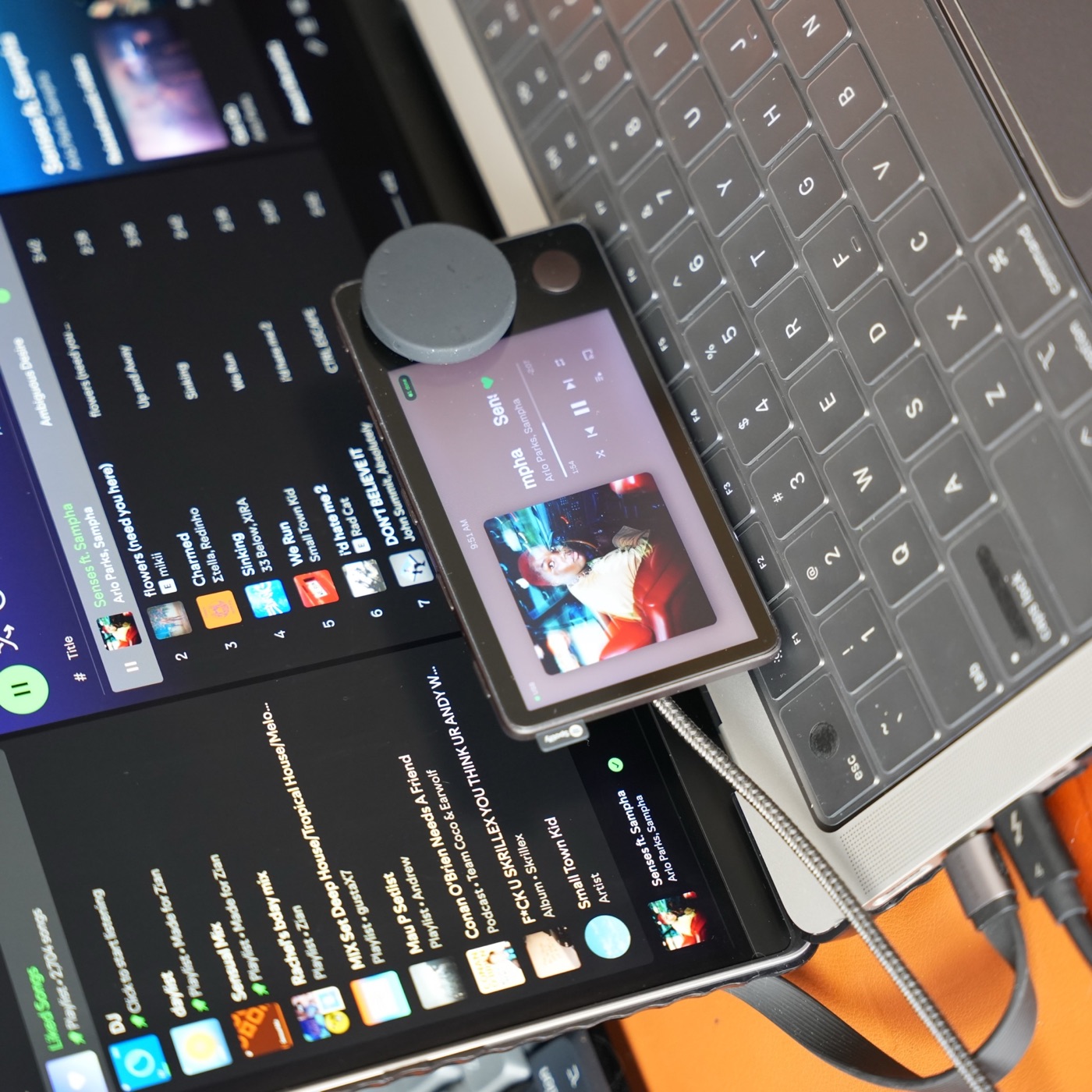
I build Carthios. This is a source-based walkthrough, checked September 26, 2026, rather than a report of a fresh flash test. The Carthios photo above shows a possible desk use for the hardware; it is not the screen you should expect during flashing.
Before you start: choose the software you want
Choose your destination before changing a working device. If your goal is Carthios, start with the Carthios installation instructions. Do not assume that completing a DeskThing tutorial is a required Carthios setup step.
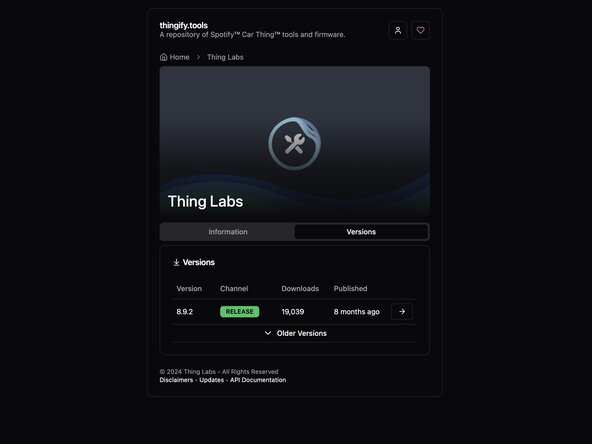
For the iFixit route, prepare a data-capable USB cable and Chrome, Chromium, or Edge. Download and extract the Thing Labs firmware from Thingify, then open Terbium. Save anything you need from your existing setup before replacing its software.
1. Put Car Thing into USB boot mode
Disconnect it, hold top preset buttons 1 and 4, and reconnect USB while holding them. iFixit describes a screen that stays dark as the expected boot-mode behavior. Confirm detection in Terbium before continuing; a dark screen alone is not proof of a successful connection.

2. Follow the setup for your computer
The Thing Labs flashing instructions separate Windows, Mac, and Linux. Windows needs USB drivers; Linux may need udev permissions. Follow the linked instructions for your OS. Review any downloaded setup script before running it with elevated privileges.
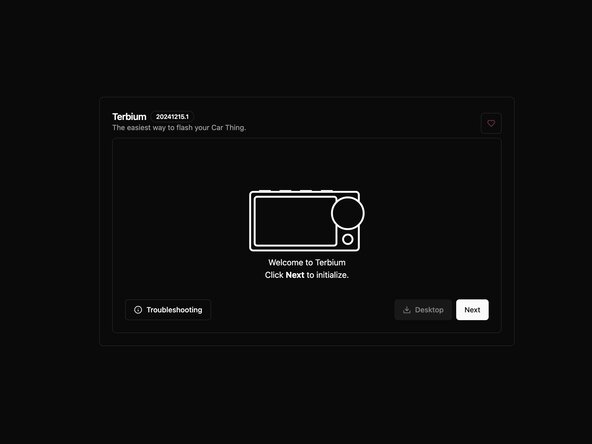
Terbium first connects to GX-CHIP. After it changes the device’s mode, connect again to the Amlogic device. That second USB selection is part of the documented process.
3. Flash the extracted firmware folder
In Terbium, choose Restore Local Folder, open the extracted firmware directory, allow file access, and start the operation. Keep power and USB connected until the tool reports completion. Use the folder belonging to your chosen release, not a firmware image from a different project.
4. Install the companion software
iFixit finishes by installing DeskThing’s desktop server and opening its Clients view. Follow its current setup prompts and confirm that the device appears. Flashing firmware and setting up the companion application are separate steps.
Before adding more apps, check that the display responds and the controls work in your chosen software. A completed flash does not establish that every integration is configured. Keep a note of the firmware and companion versions so a later problem has a useful starting point.
If Terbium cannot connect
- No device listed: check boot mode, a data-capable cable, and sufficient USB power.
- Windows access denied: the Thing Labs wiki describes conflicts with older GX-CHIP or WorldCup drivers. Follow its driver troubleshooting section before trying another image.
- Flash error: record the error and inspect Terbium’s browser logs. The wiki explains how to share those with project support.
Avoid switching between unrelated tools mid-recovery. The superbird-tool maintainer warns that its low-level operations can damage the device’s software and recommends backups. Its README also reports Windows libusb problems. That caveat concerns that toolkit; it is not a reason to substitute its commands for Terbium’s Windows instructions.
Can you jailbreak Car Thing on Windows?
The linked Terbium guide includes a Windows flashing path. Carthios for Windows is a separate release: Windows support is coming on the v3 roadmap, with no release date or Windows download yet. Join the Windows waitlist for beta news.
Carthios is available on Apple Silicon Macs running macOS 13 or newer today. Its current Mac integrations do not establish Windows feature availability. If you want to use Car Thing at your desk, compare the desktop alternatives and their host requirements before choosing software.
What comes after the jailbreak?
Start with the reason you kept the device: music controls within reach, a clock beside the monitor, or information you can glance at without changing windows. Our Car Thing desk workflows show what that looks like in Carthios, while the Car Thing mods guide covers placement and hardware choices.
For the broader meaning of “jailbreak” and the limits of replacing Spotify’s original service, read what a Car Thing jailbreak can do. Keep the project’s current installation guide as your reference for the exact release you use.