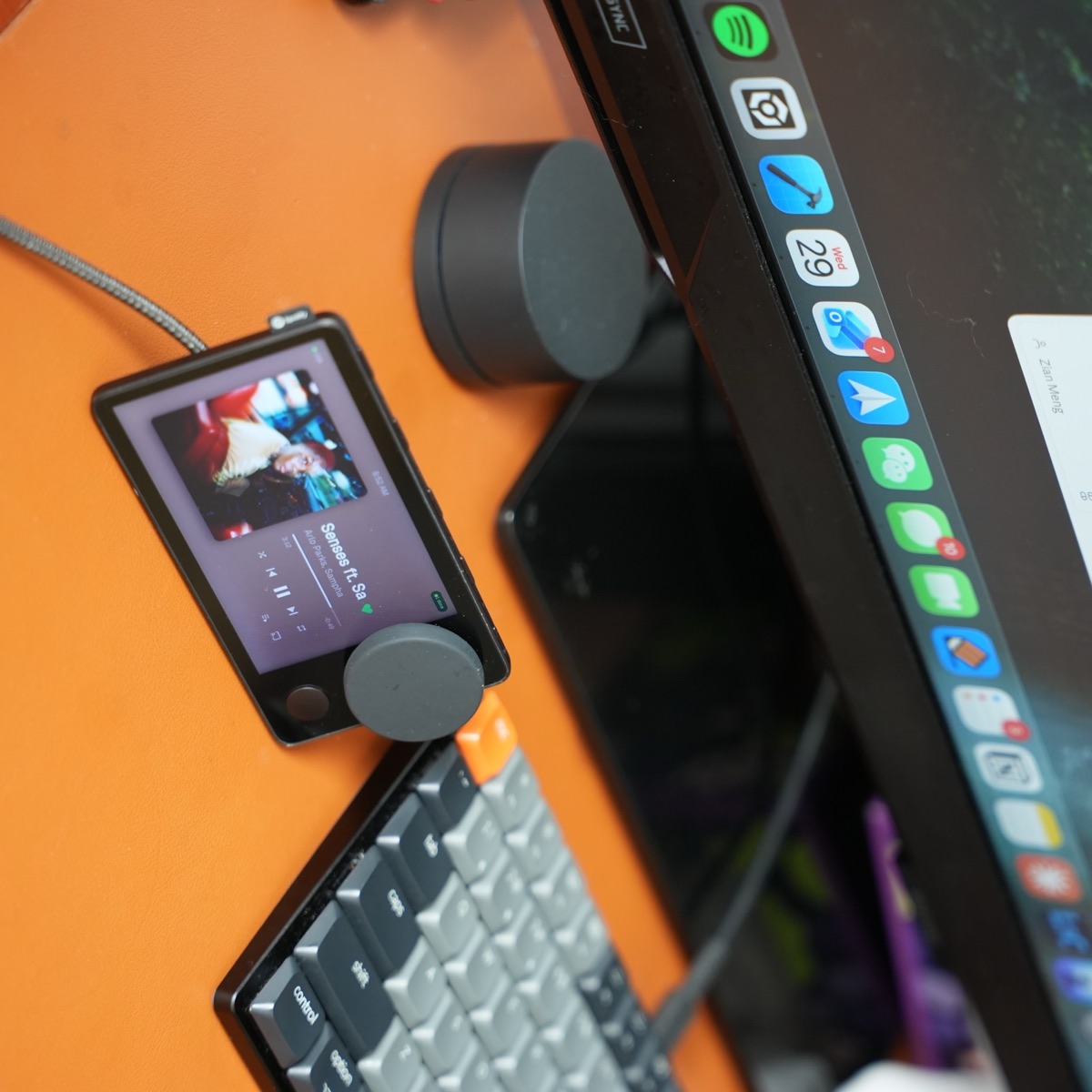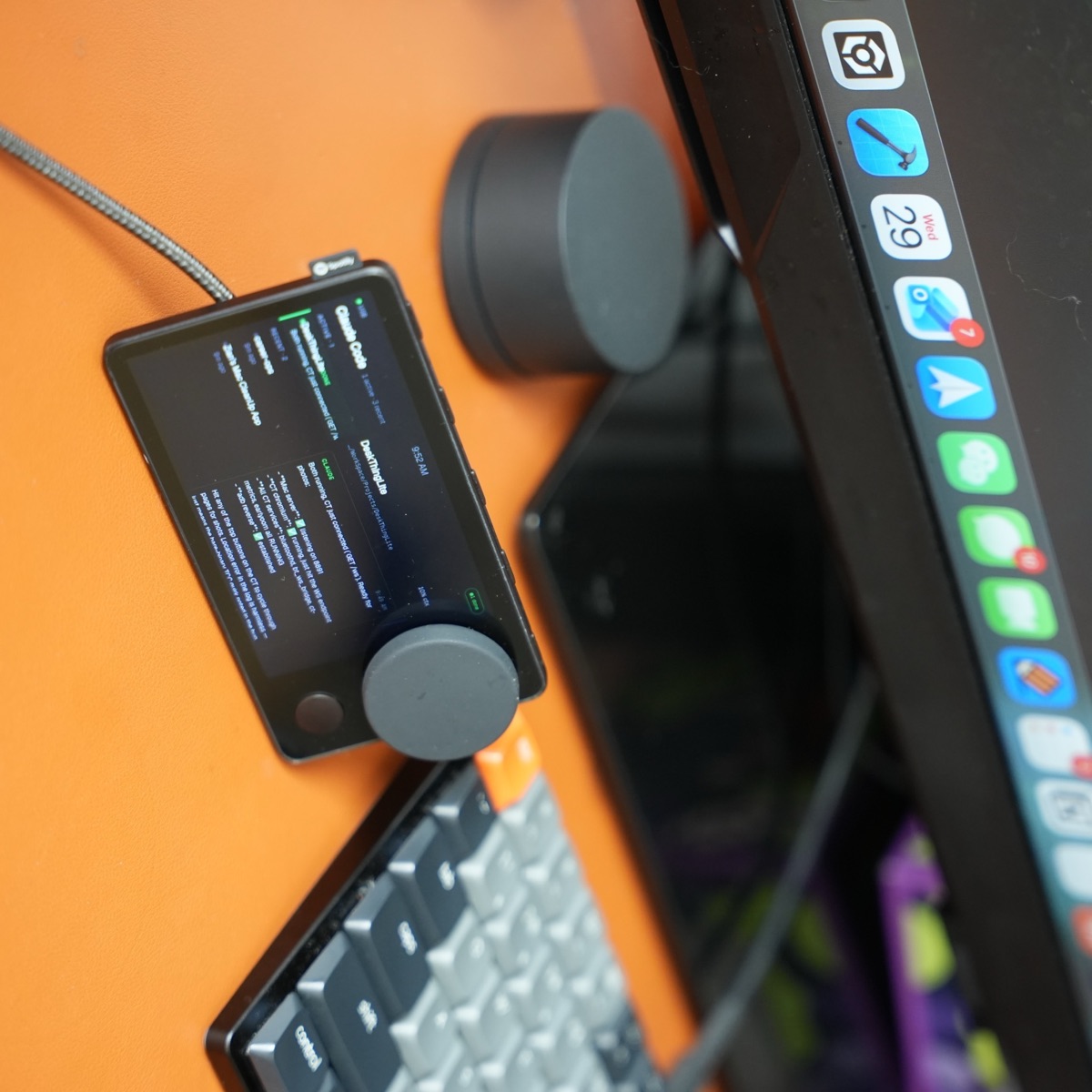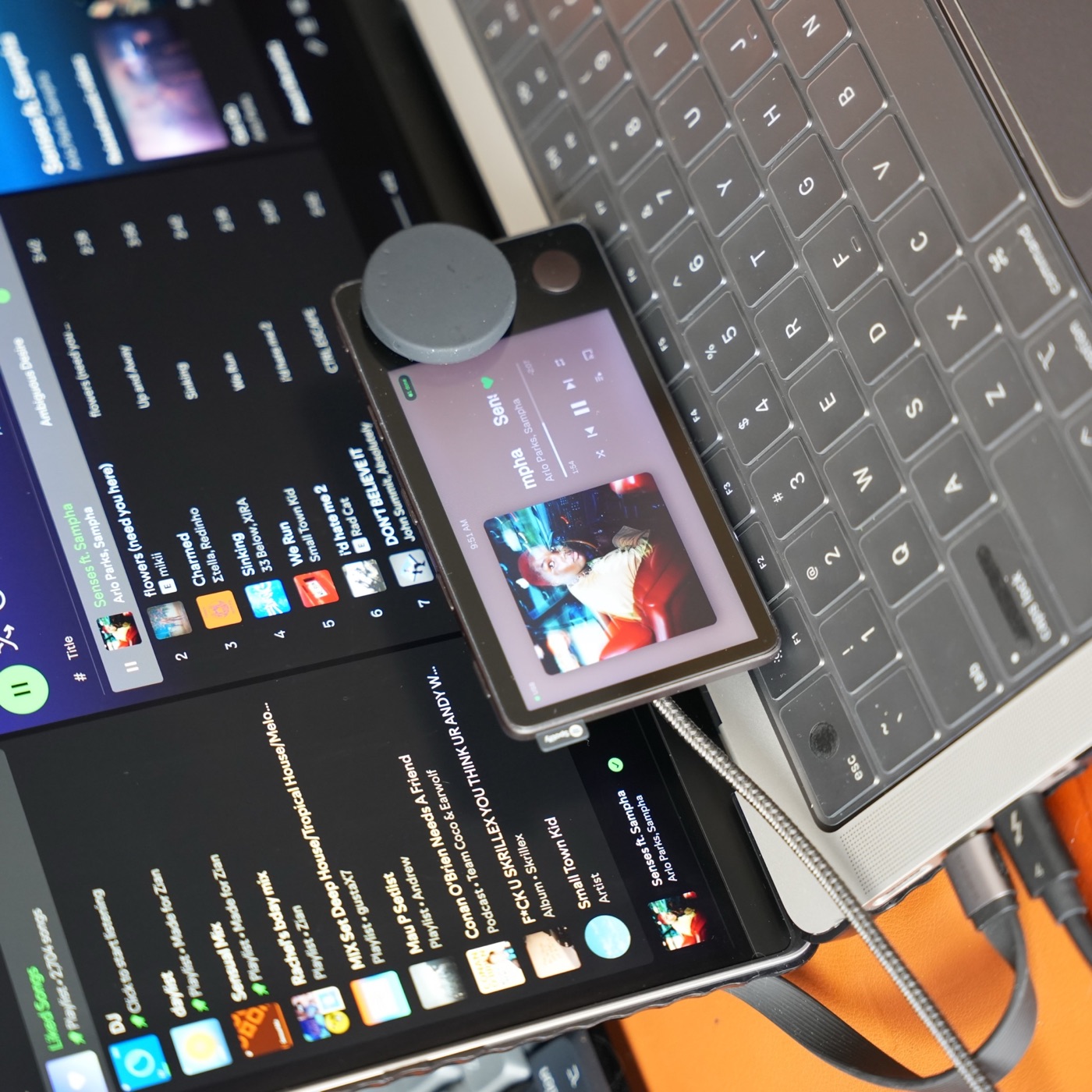
I build Carthios. This comparison combines its documented capabilities with the other projects’ published requirements, checked September 24, 2026. It is not a hands-on reliability benchmark of competing firmware.
Which option fits your setup?
Swipe the table sideways to compare all columns.
| Option | Connection and host | Best reason to consider it |
|---|---|---|
| Carthios | Apple Silicon Mac, macOS 13+. USB data for initial setup; Bluetooth Beta for supported everyday features. | Spotify or Apple Music controls alongside Mac-connected weather, transit, Agenda, timers, and coding status. |
| Mira | Phone Bluetooth tethering or computer USB internet sharing. No companion app required. | A Spotify-focused interface running on Car Thing, with on-device voice controls. |
| Nocturne | Mobile Companion over Bluetooth, or a supported desktop/Connector setup. Internet access is still required. | A revived Car Thing interface with phone and desktop connection options. |
Carthios: a dashboard for your Mac desk
Choose Carthios when the Mac is already part of your workflow. Install the free Mac app, connect Car Thing with a data-capable USB cable, and follow setup. Music controls work with Spotify Desktop or Apple Music; optional permissions enable features such as Calendar, Reminders, and dictation.
The Mac is part of the product, not just an installation tool. Bluetooth Beta does not turn Carthios into an independent internet-connected player. Initial setup, updates, and microphone dictation need USB data. Read the connection limits before choosing your desk layout.
The current public download is for Mac. Windows support is coming on the v3 roadmap, with no release date yet. Join the waitlist for Windows beta news; a Windows download or beta access is not available today. The Mac features above should not be read as a confirmed Windows feature list.
Mira: Spotify without a companion app
Mira’s documentation describes free, open-source firmware with Spotify controls and on-device voice recognition. It still needs internet through a phone’s Bluetooth tether or a computer’s USB tether. Its iPhone tethering uses cellular data. Flashing replaces existing firmware, so follow the project’s setup and recovery instructions.
Source: Mira requirements and installation guide.
Nocturne: choose the connection path first
Nocturne’s installation guide separates mobile Companion from desktop and Connector options. The mobile route requires a paid Lifetime or Nocturne+ tier; the documented desktop/Connector route does not require a paid tier. Check the current requirements for your exact host before flashing.
Sources: Nocturne installation and connection options and Companion compatibility. These pages list different mobile OS minimums, so confirm the current app listing for your phone.
What if you do not own Car Thing?
Decide whether you want a physical dial, a dedicated screen, or application shortcuts before buying discontinued hardware. A DIY screen requires you to choose and maintain the host, enclosure, power, and software. A new controller should be evaluated against the exact apps you use and its current support terms. Neither path automatically reproduces Car Thing’s controls.
Before you install anything
- Check your hardware and USB data connection.
- Choose the host you can keep connected during daily use.
- Check the project’s music-service, account, and connection requirements.
- Read its installation and recovery instructions before replacing existing software.
For a Mac desk, start with the Carthios setup guide. If you are comparing approaches, read firmware and Mac dashboard tradeoffs.