I build Carthios. This guide explains its Mac-based architecture and links to other projects’ requirements; it does not claim one project is universally safer or more reliable.
With Carthios, the Mac remains part of the setup
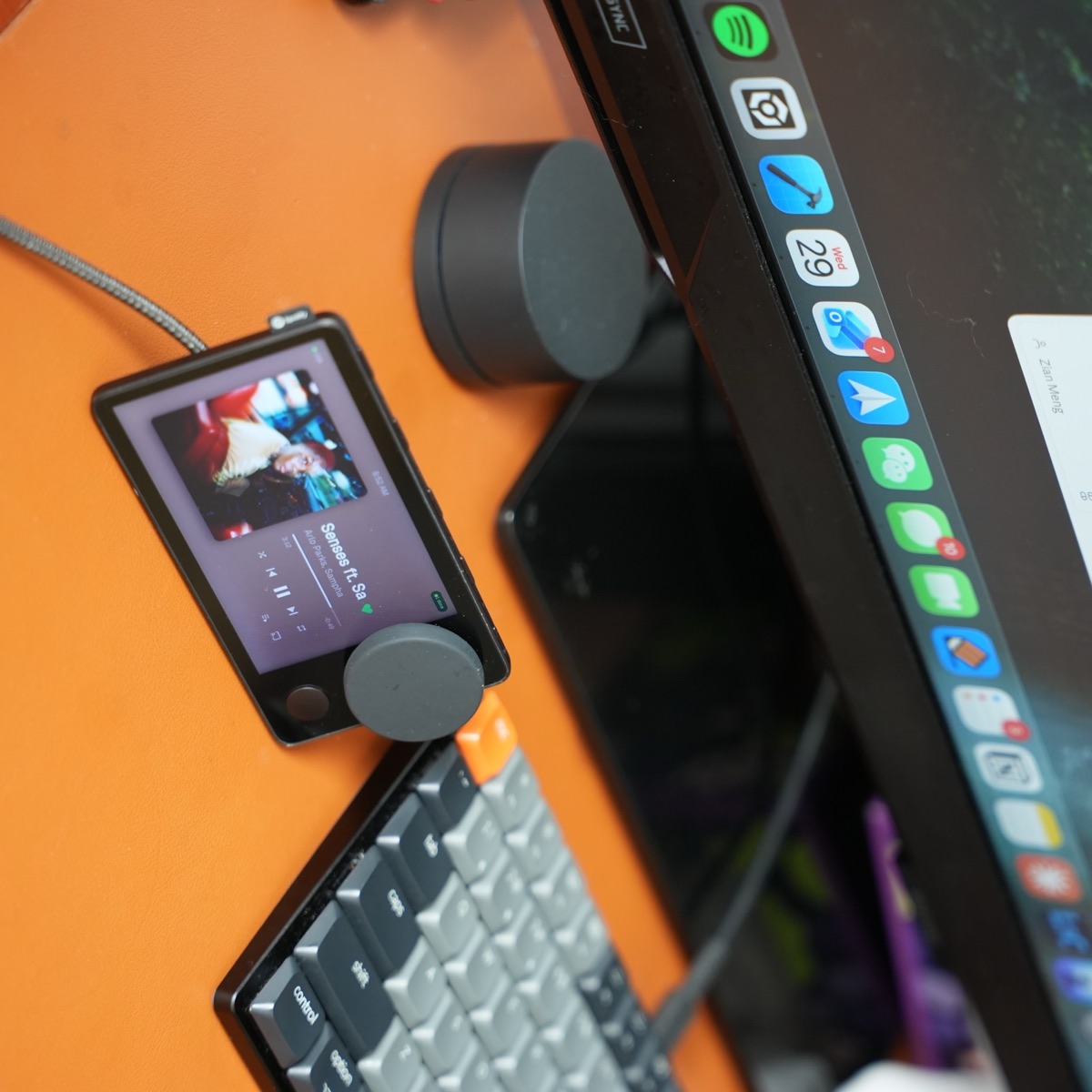
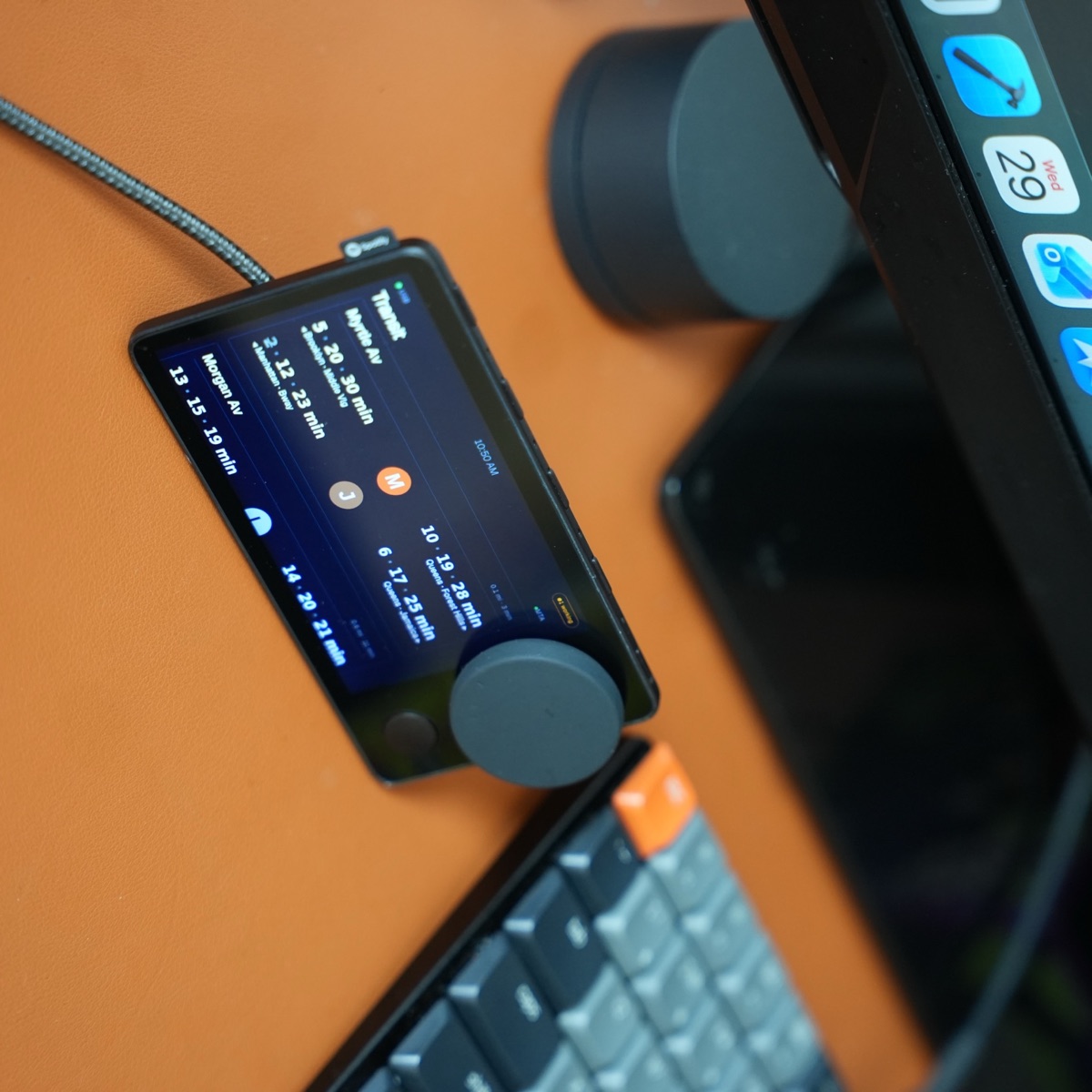
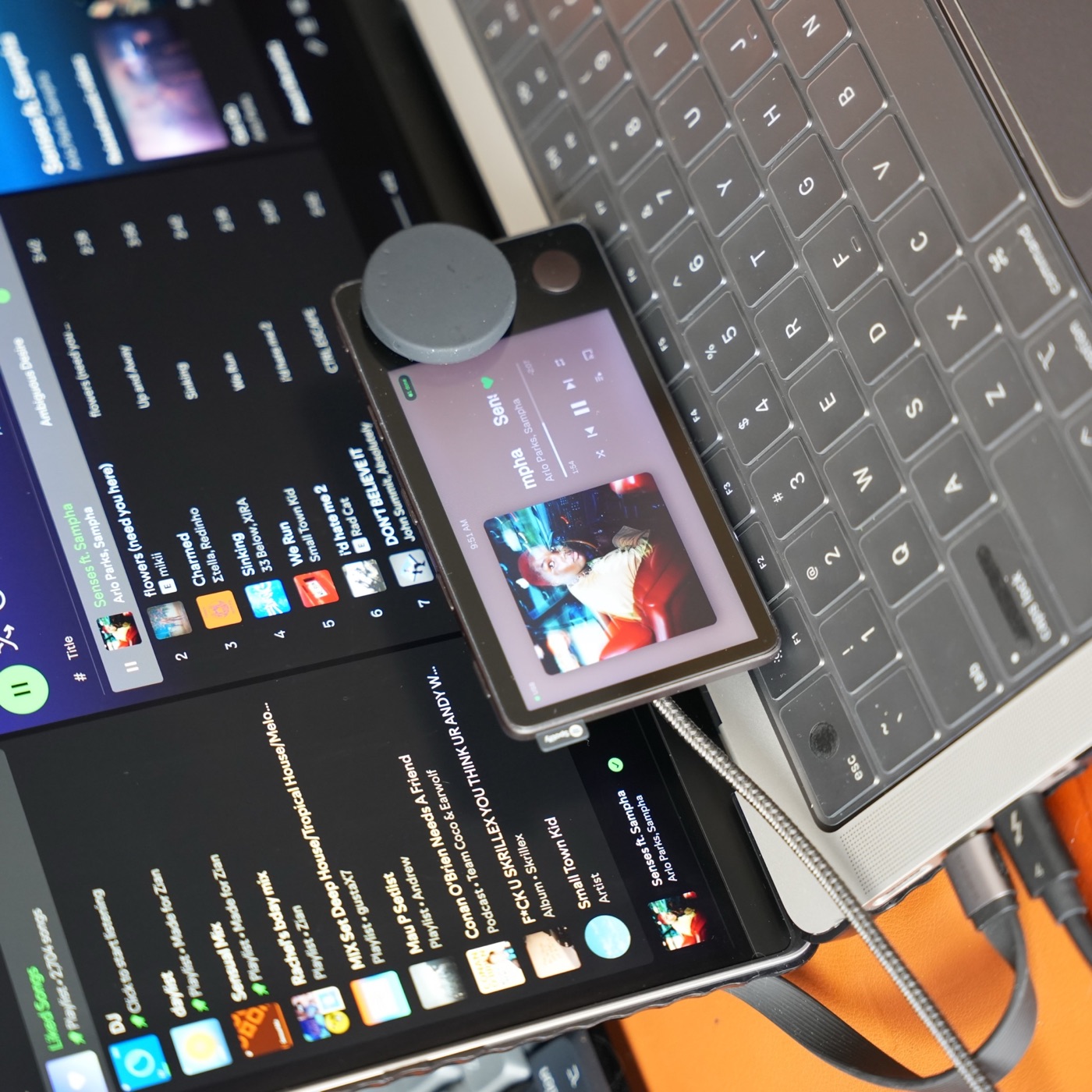
Carthios connects the device’s display, dial, and buttons to a Mac dashboard. The companion app provides Spotify or Apple Music controls, weather, transit, Agenda, dictation, coding status, and system information. You need an Apple Silicon Mac running macOS 13 or newer.
Use a USB data cable for initial setup. The Mac app installs the matching dashboard and handles future updates. Optional Bluetooth Beta supports daily features after setup, but updates and microphone dictation still require USB data. See the connection reference for the current limits.
Other firmware still has connection requirements
Mira runs without a companion app but needs a phone or computer to provide internet. Nocturne documents several mobile and desktop connection paths. “Standalone” can mean no dedicated companion app or no phone tether, rather than no other device at all.
Check the Mira setup guide and Nocturne installation guide for the exact path you plan to use. Requirements were reviewed September 24, 2026.
Decide with three questions
- What will stay connected? For a Mac desk, Carthios can use the computer already beside you. For a phone-based setup, check the other projects’ supported phone and internet arrangements.
- What do you want on the screen? Carthios combines music with Mac-connected information and controls. Compare each alternative’s documented features against your actual routine.
- How will you update or recover it? Keep a working USB data cable and follow the chosen project’s recovery instructions. Read those before changing a device that already works.
Choose the product you can use today
Carthios’s public download is for Mac; Windows support is coming on the v3 roadmap, with no release date yet. The waitlist is open for Windows beta news. Flashing community firmware from Windows is a separate capability: the iFixit-based jailbreak walkthrough explains that process. For connection and cost differences, see Car Thing alternatives. For the current Mac release, follow the Carthios installation walkthrough.