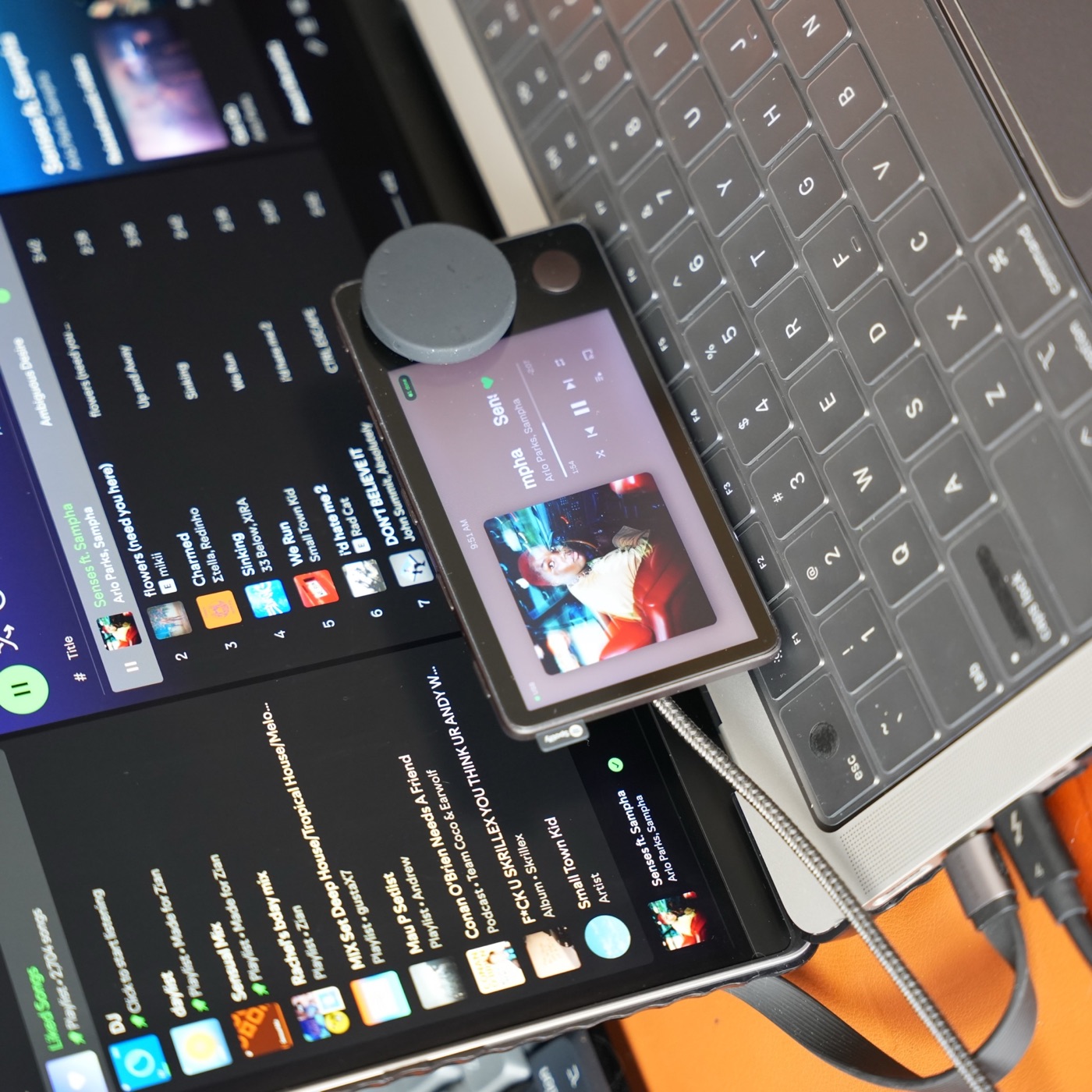
Physical changes: placement and cable routing
For desk use, start with a stable position that leaves the dial and buttons reachable and the cable connector free of strain. Check the screen angle from your normal seat before choosing a stand. A mount that looks good but tips when you press a button is not a useful improvement.
Confirm any USB cable or adapter supports data as well as power. Neither a new mount nor a USB adapter can replace Spotify’s discontinued service. The desk setup guide covers placement and daily use.
Companion dashboards: a new job alongside a computer
Carthios pairs a Mac app with a matching dashboard on Car Thing. The Mac supplies integrations such as music, Weather, Transit, and Agenda; the device provides the screen and physical controls. First-run setup installs the matching dashboard over USB.
The current release requires an Apple Silicon Mac running macOS 13 or newer. Windows support is coming on the v3 roadmap, with a waitlist open and no release date yet. Check the Mac setup guide for what works today; a mount or new cable alone does not make Carthios run on Windows.
Custom firmware: replacement device software
A firmware project has its own installation method, dependencies, supported hardware, and recovery process. Read those instructions for the exact release you intend to use. Do not combine flashing steps from unrelated projects or assume a download described as a Car Thing image fits your setup.
Before changing firmware, record the installed version and make sure you can follow the project’s recovery instructions. The jailbreak guide explains the terminology and links to community resources; the firmware comparison helps separate that approach from a Mac companion dashboard.
Change one layer at a time
- Confirm the existing device and USB data connection work.
- Install the software you chose and test the screen, dial, and buttons.
- Adjust placement and cable routing once the software works.
- Keep the last working configuration documented so you can identify what changed if a problem appears.
A new cable, firmware image, and host setup introduced together can hide which change caused a failure. Start with the reuse checklist if the device’s condition is uncertain.